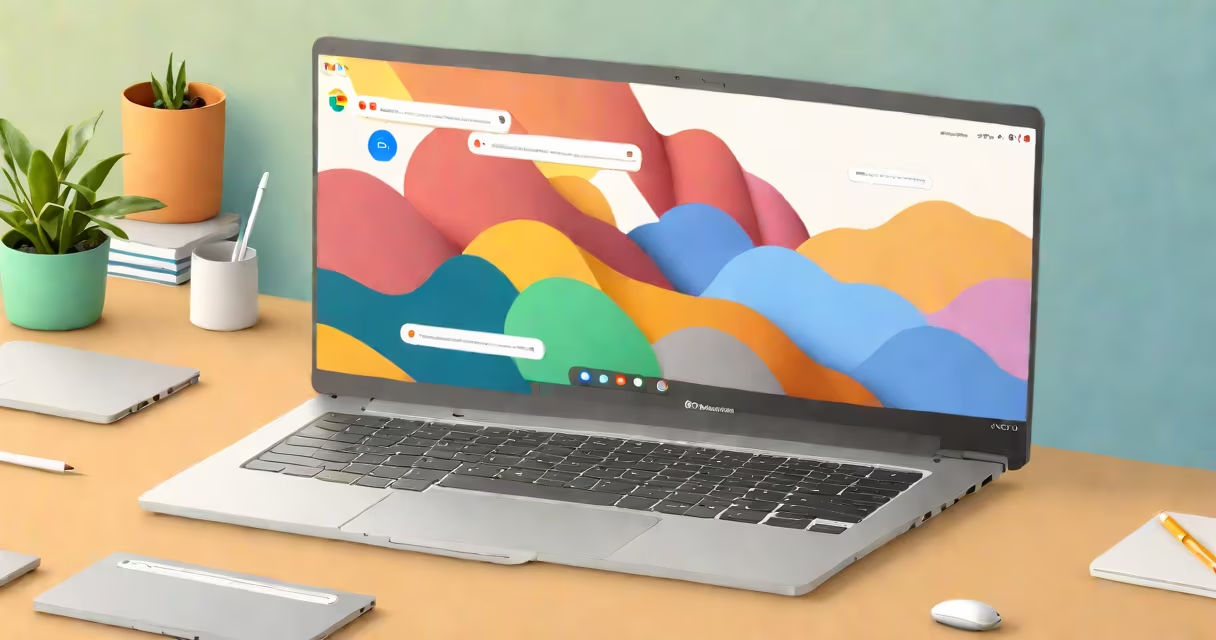
Chromebooks run ChromeOS, a lightweight, Linux-based operating system developed by Google. It's designed primarily for web browsing, cloud storage, and running Android and progressive web apps.
ChromeOS powers nearly all new Chromebooks sold since 2011. It boots in under 10 seconds, updates automatically, and prioritizes security through verified boot and sandboxed processes. Unlike traditional operating systems, it doesn't support native installation of Windows or macOS software.
Google introduced ChromeOS in 2009 as a response to growing demand for low-cost, always-on devices focused on internet access. Today, it runs on over 200 million devices globally, according to Google's 2023 developer conference report.
ChromeOS operates as a streamlined environment centered around the Google Chrome browser. Most interactions happen within the browser, including file management, email, and media playback. The operating system handles background tasks like syncing data, managing updates, and enforcing security policies.
When you turn on a Chromebook, it performs a verified boot sequence. This checks the integrity of the system software against a secure cryptographic signature. If corruption is detected, the system restores itself from a known-good state during startup.
Users interact with ChromeOS via a desktop interface that resembles a simplified version of a traditional desktop. It includes a taskbar at the bottom, a launcher for apps, and a notification center. The system integrates tightly with Google accounts, enabling automatic setup and synchronization across devices.
ChromeOS exists in several forms, depending on hardware and intended use. The most common variants are:
| Device Type | Key Features | Use Case |
|---|---|---|
| Standard Chromebook | Full keyboard, trackpad, 11-14 inch screen | Students, casual users, remote work |
| Chromebook Plus | Higher-end processors, touchscreens, stylus support | Artists, note-takers, hybrid use |
| Chromebook Flex | Convertible design, 360-degree hinge | Classroom use, presentations, portability |
| Chromebox & Chromebase | Desktop form factors with external monitors | Office environments, shared workspaces |
Despite differences in hardware, all Chromebooks share core behaviors: automatic updates, minimal user configuration, and reliance on cloud services. For example, a student using a Chromebook Flex for math class can switch between typing notes and sketching diagrams using a stylus, all while saving work to Google Drive.
ChromeOS supports Android apps through the Google Play Store. As of 2023, over 1.5 million Android apps are available for Chromebooks, including popular tools like Notion, Spotify, and Duolingo. These run in a containerized environment separate from the core OS.
Many people assume ChromeOS is simply "a browser." That's incorrect. While the Chrome browser is central to the user experience, ChromeOS includes a full kernel, system services, and a graphical shell. It's not a web app wrapper-it's a complete operating system.
Another misconception is that ChromeOS cannot run local software. While it doesn't support traditional .exe files or native macOS applications, it can run Linux apps via Crostini (a container system) and Android apps. A user can install a Linux terminal, run Python scripts, or use VS Code through the Linux environment.
For example, a high school teacher using a Chromebook for lesson planning can install a Linux-based statistics tool to analyze student test scores. The app runs in a virtualized environment isolated from the host OS, ensuring stability and security.
ChromeOS dominates the education market. Over 70% of U.S. K-12 schools use Chromebooks, according to a 2022 report by Futuresource Consulting. Schools favor them due to low cost ($200-$300 per unit), long battery life (up to 12 hours), and centralized device management via Google Admin Console.
Enterprises also adopt Chromebooks for their simplicity and security. A company with 50 employees can deploy Chromebooks with a single admin policy, enforce password requirements, and remotely wipe lost devices. Google reports that 40% of enterprise Chromebook deployments occur in IT departments managing remote teams.
Personal users choose Chromebooks for their speed and reliability. A user who frequently travels can power on a Chromebook, connect to Wi-Fi, and begin working within 15 seconds. The system recovers from crashes faster than most Windows laptops because it restarts from a clean state after each reboot.
ChromeOS is not Windows. It doesn't run Microsoft Office natively, though users can access Word, Excel, and PowerPoint via web versions at office.com. Similarly, it doesn't support Adobe Photoshop or other professional desktop software.
It's also not macOS. Apple's operating system runs exclusively on Apple hardware. ChromeOS runs on devices from Samsung, Lenovo, HP, Acer, and others. You cannot install ChromeOS on a MacBook or Windows PC without specialized tools and technical expertise.
A key difference lies in update cadence. ChromeOS receives major updates every six weeks, with security patches applied daily. In contrast, Windows 10 updates occur monthly, and many users delay them. ChromeOS ensures all devices stay current without user intervention.
I observed a middle school classroom in Portland, Oregon, where every student used a Chromebook. During a 45-minute science lesson, students accessed a shared Google Slides presentation, recorded observations in a Google Form, and submitted lab reports via Google Classroom-all without logging in twice.
The teacher reported zero downtime due to crashes or malware. When a student accidentally opened a malicious link, the device reset to factory settings upon reboot, erasing the threat. No IT staff were needed to resolve the issue.
If you're unsure which Chromebook you have-or whether your device runs ChromeOS-you can check the model details. Open the Settings menu, go to "About Chrome OS," and look for the "Model" field. It displays the device name, such as "Samsung Chromebook Plus (XE513C2T)" or "HP Chromebook x360."
ChromeOS remains distinct from other operating systems in its focus on speed, security, and simplicity. It's not ideal for video editing or gaming, but it excels in everyday productivity, education, and remote access scenarios.
Understanding what OS does Chromebook have clarifies expectations. It's not a replacement for Windows or macOS-but it's a purpose-built alternative that delivers consistent performance across millions of devices worldwide.