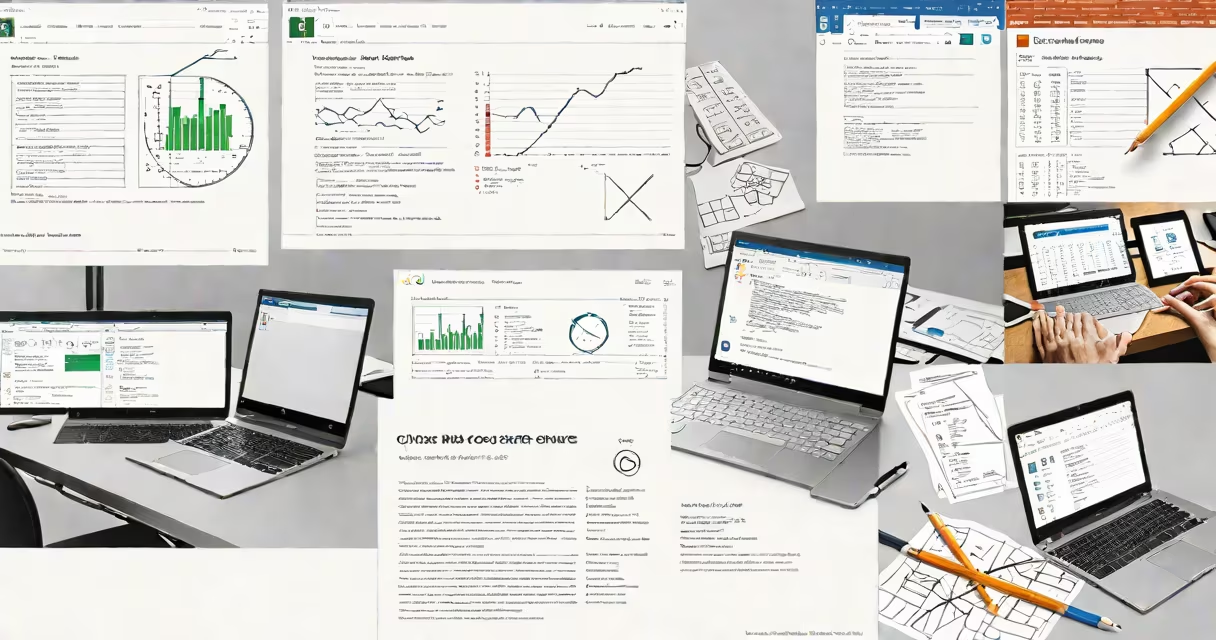
MS Office Suites is a collection of integrated productivity software applications developed by Microsoft, including Word, Excel, PowerPoint, Outlook, and others, designed to support document creation, data analysis, presentations, and email management across personal and professional environments.
The set operates as a unified system where files created in one app can be shared, embedded, or linked smoothly with others. For example, inserting a chart from Excel into a Word report updates automatically when the source data changes. This integration reduces manual copy-paste errors and improves workflow efficiency.
Microsoft released the first version of Office in 1990. Since then, it has evolved from standalone desktop programs to cloud-connected services. Today's versions run on Windows, macOS, iOS, Android, and web browsers. The current offering includes both perpetual licenses (like Office 2024) and subscription-based access through Microsoft 365.
Each application in the set serves a distinct purpose. Word handles text editing and document formatting. Excel manages numerical data, formulas, pivot tables, and visualizations. PowerPoint creates slide decks for presentations. Outlook organizes emails, calendars, contacts, and tasks. Other tools like OneNote (digital note-taking), Teams (collaboration), and Publisher (design) extend functionality.
All apps share common features: consistent menus, ribbon interfaces, cloud storage via OneDrive, and real-time co-authoring. When multiple users edit a file simultaneously, changes appear instantly with color-coded cursors indicating who is typing. This capability supports remote teams and distributed workflows.
Behind the scenes, the set uses proprietary file formats such as.docx (Word),.xlsx (Excel), and.pptx (PowerPoint). These replaced older binary formats to improve compatibility, reduce corruption risk, and enable better compression. Files can be exported to PDF or other standard formats for sharing with non-Microsoft users.
There are three primary delivery models for MS Office Suites:
| Model | Access Type | Key Features | Best For |
|---|---|---|---|
| Office 2024 (Perpetual) | One-time purchase | Offline use, no subscription fees, stable version | Individuals who prefer ownership and don't need cloud sync |
| Microsoft 365 (Subscription) | Monthly/yearly fee | Cloud access, automatic updates, 1TB OneDrive, mobile apps | Businesses, students, frequent collaborators |
| Office Online (Free Web Version) | Browser-only, free | Limited features, basic editing, no offline mode | Quick edits on public computers or low-end devices |
Office 2024 is available in Home, Student, and Business editions. The Home edition includes Word, Excel, PowerPoint, and OneNote. The Business version adds Outlook and advanced security features. All editions require activation and license verification.
Microsoft 365 plans include additional tools like Teams, Planner, Forms, and advanced compliance controls. Subscribers receive new features monthly, such as AI-powered editing in Word or changing charts in Excel. Updates are pushed automatically, ensuring all users have the latest security patches.
Many people assume MS Office Suites is only for business professionals. In reality, it's widely used in education, government, healthcare, and personal projects. Over 1.5 billion people use Office products annually, according to Microsoft's 2023 annual report.
A frequent error is confusing "Office" with "Office 365." Office refers to the software set itself. Office 365 is the subscription service that delivers continuous updates and cloud features. You can install Office 2024 without a subscription, but you won't get real-time collaboration or cloud backup unless you sign up for Microsoft 365.
Another misconception is that all Office apps are free. While the web versions are free, full desktop functionality requires a license. The free version limits formatting options and disables advanced features like macros and data validation in Excel.
For example, a high school teacher using Office Online to grade assignments can view and comment on student essays. But if they need to generate automated feedback using conditional formatting in Excel, they must upgrade to a paid plan or install the desktop version.
A small marketing agency prepares a client proposal using the full MS Office Set. They start with Word to draft the project scope and budget. The team inserts a financial projection table from Excel, which remains live-linked. Any adjustment in the Excel sheet updates the Word document in real time.
Next, they build a presentation in PowerPoint. They import the same Excel chart, apply branding templates, and add speaker notes. The entire package is saved to OneDrive and shared via a secure link with the client.
After receiving feedback, team members collaborate using co-editing. One person adjusts the timeline in PowerPoint while another revises the budget in Word. Changes appear within seconds. The final version is exported as a PDF and sent via Outlook with a calendar invite for a follow-up meeting.
This workflow demonstrates how the set integrates across tasks, reduces redundant work, and maintains consistency across documents.
I built a similar setup during a freelance project managing event logistics. Using Excel to track vendor payments and PowerPoint to visualize the schedule cut planning time by nearly 40%. The ability to embed live data from Excel into slides proved critical during stakeholder reviews.
According to Microsoft's official documentation, the Office set supports over 100 languages and complies with ISO/IEC 27001 and GDPR standards for data protection. The company reports that 90% of Fortune 500 companies use Microsoft 365 as their primary productivity platform.
Research from Gartner (2023) confirms that organizations using integrated office suites see a 22% increase in team productivity compared to those relying on fragmented tools. The study attributes this gain to reduced context switching and improved file interoperability.
Understanding what is MS Office Suites clarifies its role beyond basic word processing and spreadsheets. It is a coordinated set of tools designed to handle complex workflows efficiently, securely, and consistently across platforms.