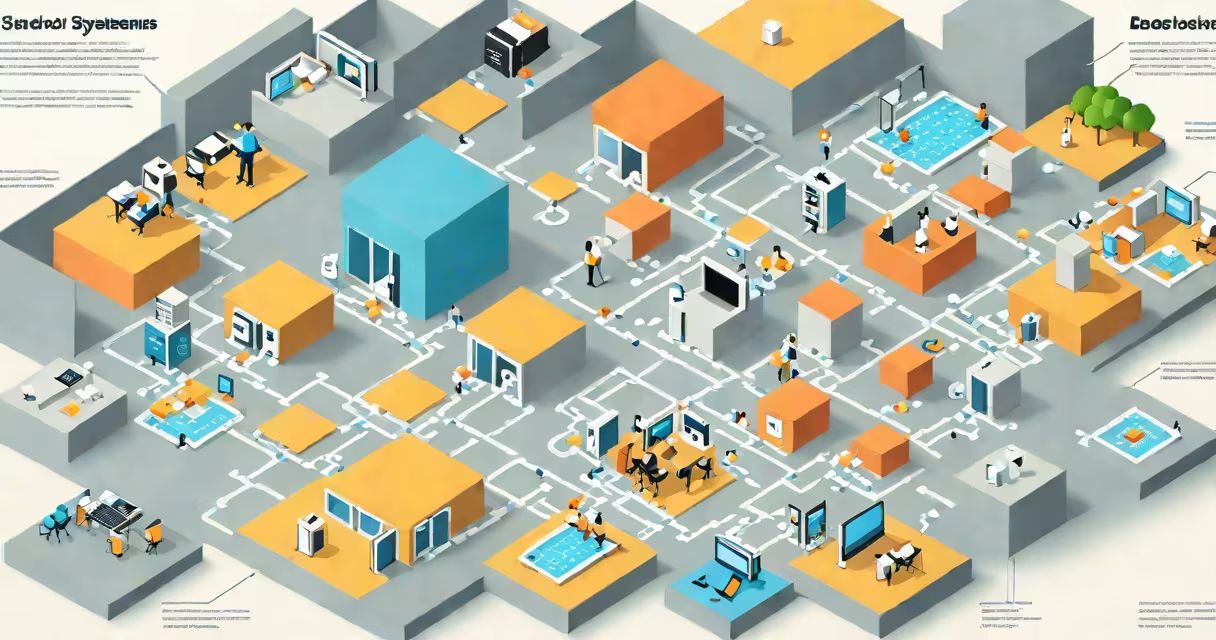
SAP BODS (Business Objects Data Services) is a data integration and ETL (extract, change, load) tool used to move, clean, and prepare data across enterprise systems. It enables organizations to consolidate data from multiple sources-such as databases, flat files, and cloud applications-into a unified format for reporting, analytics, and operational use.
BODS operates within the SAP system but supports non-SAP systems through adapters. It's widely used in data warehousing, master data management, and system migration projects. The tool runs on a server-based architecture and integrates with SAP ERP, S/4HANA, and third-party platforms via predefined connectors.
For example, a retail company using SAP ECC for finance and a separate CRM system for sales data can use BODS to pull transaction records from both systems, standardize customer IDs, remove duplicates, and load the cleaned data into a central data warehouse. This process ensures consistent reporting across departments.
BODS uses a graphical development environment called Designer to build data flows. Users create jobs-workflows that define the sequence of operations-and deploy them to a server for execution. Jobs consist of stages connected by data pipelines, where each stage performs a specific task.
Data enters through a source stage (e.g., a database table or CSV file), passes through transformation stages (like filtering, joining, or aggregating), and exits via a target stage (e.g., a database or data mart). Each stage can apply business logic, such as converting currency values or validating address formats.
Jobs can run on a schedule, trigger on events, or execute manually. Monitoring tools track job status, error logs, and performance metrics. For instance, a nightly job might extract sales data from a legacy system, enrich it with current exchange rates, and load it into a Power BI-ready dataset.
BODS projects fall into three primary categories based on purpose:
| Type | Purpose | Common Use Case |
|---|---|---|
| Batch Processing | Run large-scale data loads at scheduled intervals | Daily financial report generation |
| Real-Time Integration | Process data as it arrives, often via APIs or message queues | Syncing inventory levels between warehouse and e-commerce platforms |
| Master Data Management (MDM) | Standardize and cleanse data across systems | Creating a single customer view from CRM, ERP, and web portals |
Each project relies on a set of core components: connections (to source/target systems), transformations (data logic), and workflows (job sequences). These elements are reusable across projects, reducing development time.
A common mistake is treating BODS as a standalone data warehouse. It is not. It moves and prepares data but doesn't store it long-term. The target system-like SAP BW, Oracle DB, or Snowflake-must handle persistent storage and advanced querying.
Enterprises use BODS to unify data from siloed systems. A healthcare provider might integrate patient records from electronic health records (EHR), billing software, and appointment scheduling systems into a centralized analytics platform. This allows clinical teams to analyze treatment outcomes across departments.
According to SAP's official documentation, BODS supports over 150 data sources, including SAP HANA, Microsoft SQL Server, Salesforce, and RESTful APIs. Its adapter structure allows developers to extend support for niche systems using custom scripts.
One non-obvious fact: BODS does not require a dedicated database for metadata. Instead, it stores job definitions, connection details, and configuration in a repository database-typically Oracle or SQL Server. This design reduces infrastructure overhead compared to tools that embed metadata in application servers.
BODS is often mistaken for SAP Data Services (SDS), which is a rebranded version of the same product. SAP retired the name "Business Objects Data Services" in favor of "SAP Data Services" in 2016, though many users still refer to it as BODS.
Another confusion arises between BODS and SAP HANA Smart Data Integration (SDI). While both move data, SDI is designed for real-time, in-memory data access within HANA. BODS handles batch and complex transformation scenarios better. Using SDI for large-scale ETL tasks leads to performance bottlenecks.
I once observed a client attempting to replace a BODS job with a SAP HANA calculation view. The view failed under load because it couldn't handle 10 million rows with changing lookups. Switching back to BODS reduced processing time from 4 hours to 45 minutes.
When evaluating data integration tools, consider the following differences:
| Feature | BODS | Informatica PowerCenter | Apache NiFi |
|---|---|---|---|
| Deployment Model | Server-based, GUI-driven | Centralized engine with agent nodes | Java-based, distributed |
| Learning Curve | Moderate (requires understanding of ETL concepts) | Steeper (complex UI and workflow modeling) | High (scripting required for advanced flows) |
| Best For | Enterprise SAP environments, structured data | Large-scale, cross-industry ETL | Real-time streaming, event-driven processes |
BODS excels in environments where SAP systems dominate. It offers native support for SAP IDocs, BAPIs, and RFC calls, making it easier to integrate with SAP modules like FI, CO, and MM.
SAP BODS, or Business Objects Data Services, is a useful ETL and data integration tool used to extract, change, and load data across enterprise systems. It's especially effective in SAP-centric environments where data consistency, compliance, and reporting accuracy are critical. Understanding its role-not as a data store but as a pipeline-is key to successful implementation.