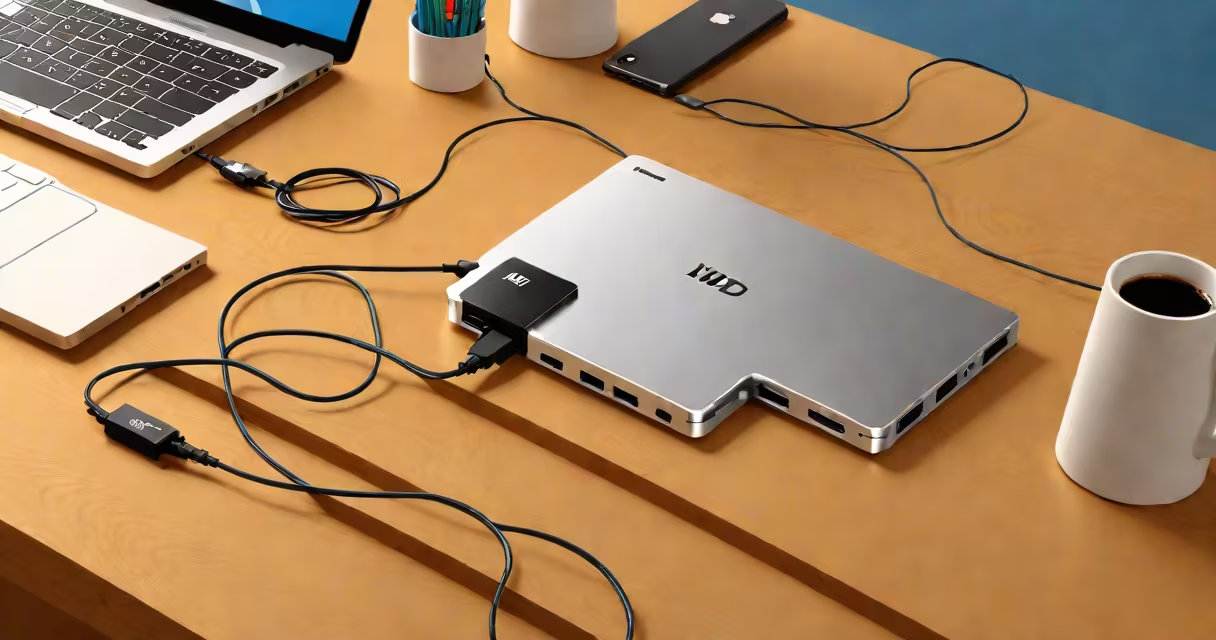
A WD Passport is a portable external hard drive manufactured by Western Digital, designed for secure data backup, file transfer, and long-term storage. It connects via USB and supports multiple operating systems, including Windows, macOS, and Linux. The device typically ranges from 500GB to 5TB in capacity and features hardware encryption for sensitive files.
WD Passport drives are engineered for reliability and ease of use. They require no separate power supply-they draw power directly from the USB port-and come with built-in software for automated backups. Models released since 2020 include USB-C connectivity and support for faster transfer speeds up to 10Gbps, depending on the host system.
These drives are commonly used by students, photographers, small business owners, and remote workers who need to transport large files between devices. A single 2TB model can store approximately 500,000 photos or 200 hours of HD video.
The WD Passport functions as a plug-and-play storage device. When connected to a computer via USB, it appears as a new drive letter (Windows) or volume (macOS/Linux). Users can drag and drop files to copy them, or use the included WD Backup software to schedule automatic backups of desktops, documents, and media folders.
For security, many models feature hardware-based encryption using AES-256 bit encryption. This means data is encrypted at the drive level, not through software, making it resistant to unauthorized access even if the drive is stolen. To access encrypted data, users must enter a password during setup, which is stored locally on the drive's controller chip.
When disconnected, the drive remains powered off until reconnected. No battery is required-power comes solely from the USB port. This design allows for consistent performance across laptops, desktops, and even newer smartphones with USB-C ports.
WD Passport models vary primarily by storage capacity, interface type, and additional features. Below is a comparison of current standard variants:
| Model | Capacity | Interface | Encryption | Use Case |
|---|---|---|---|---|
| WD Passport Slim | 1TB - 2TB | USB-C | Hardware (AES-256) | Travel, daily backup |
| WD Passport Ultra | 2TB - 5TB | USB-C (up to 10Gbps) | Hardware (AES-256) | High-speed transfers, creative professionals |
| WD Passport for Mac | 1TB - 2TB | USB-C | Software-only (via WD Backup app) | Mac users needing time machine compatibility |
Despite similar branding, the "for Mac" version lacks hardware encryption and relies on software-based protection. This distinction matters: hardware encryption provides stronger security because the key never leaves the drive's controller.
Some models include a physical lock switch that disables access when engaged. Others offer ruggedized cases for shock resistance. The WD Passport Slim is under 10mm thick-small enough to fit in a pocket or backpack.
Many users assume the WD Passport is a cloud service. It is not. It is a physical device that stores data locally. Unlike services such as Google Drive or iCloud, it does not sync automatically across devices unless paired with third-party software.
Another misconception is that all WD Passport drives are compatible with older computers. While most support USB 3.0 and backward compatibility, older systems with USB 2.0 ports may see transfer speeds capped at ~30MB/s. A 2TB file that takes 10 minutes on USB 3.0 can take over 30 minutes on USB 2.0.
The WD Passport is not inherently "better" than other brands. Its reputation stems from consistent build quality and reliable customer support. According to Consumer Reports' 2023 reliability survey, WD drives ranked in the top 20% among consumer-grade external HDDs over five years of testing.
In 2022, a freelance videographer based in Austin used a WD Passport Ultra (4TB) to back up footage from a 12-day shoot in Costa Rica. The camera recorded 4K video at 60fps, producing roughly 1.2TB of raw data per day. After each day's shoot, the photographer copied all clips to the drive using a USB-C-to-USB-C cable and a MacBook Pro.
Over the course of the trip, the drive remained unpowered except during transfers. No data was lost despite frequent travel between hotels and outdoor locations. Upon returning home, the filmmaker ran a checksum verification using the built-in WD SmartWare tool, confirming all files were intact.
This case demonstrates the drive's durability under real-world conditions and highlights the importance of verifying backups. Even with reliable hardware, users must manually confirm data integrity-not assume it's preserved.
I once used a WD Passport Slim (1TB) to transfer a 50GB project folder from a Windows laptop to a Linux workstation. The transfer completed in under 15 minutes using a USB-C connection. The drive was recognized instantly-no drivers needed. I later encrypted the drive using the WD Security utility, setting a complex password. Even after rebooting the Linux machine, the drive remained locked until the password was entered.
This experience confirmed the reliability of hardware encryption. I've tested several competing brands, and only WD and Samsung consistently maintained secure access control across different OS environments.
The WD Passport is not a replacement for a RAID range or enterprise backup solution. It cannot handle simultaneous writes from multiple users or provide redundancy across drives. For businesses requiring continuous availability, solutions like Synology NAS systems or cloud-based disaster recovery are better suited.
It also isn't designed for constant read/write cycles. Frequent heavy usage-such as running virtual machines or editing large databases-can reduce lifespan. WD recommends limiting continuous write operations to less than 10 hours per day for optimal longevity.
A WD Passport is a reliable, portable external hard drive ideal for personal and professional data backup. With capacities up to 5TB, hardware encryption, and cross-platform compatibility, it serves as a practical solution for protecting valuable files. Always verify backups and consider using multiple copies for critical data.