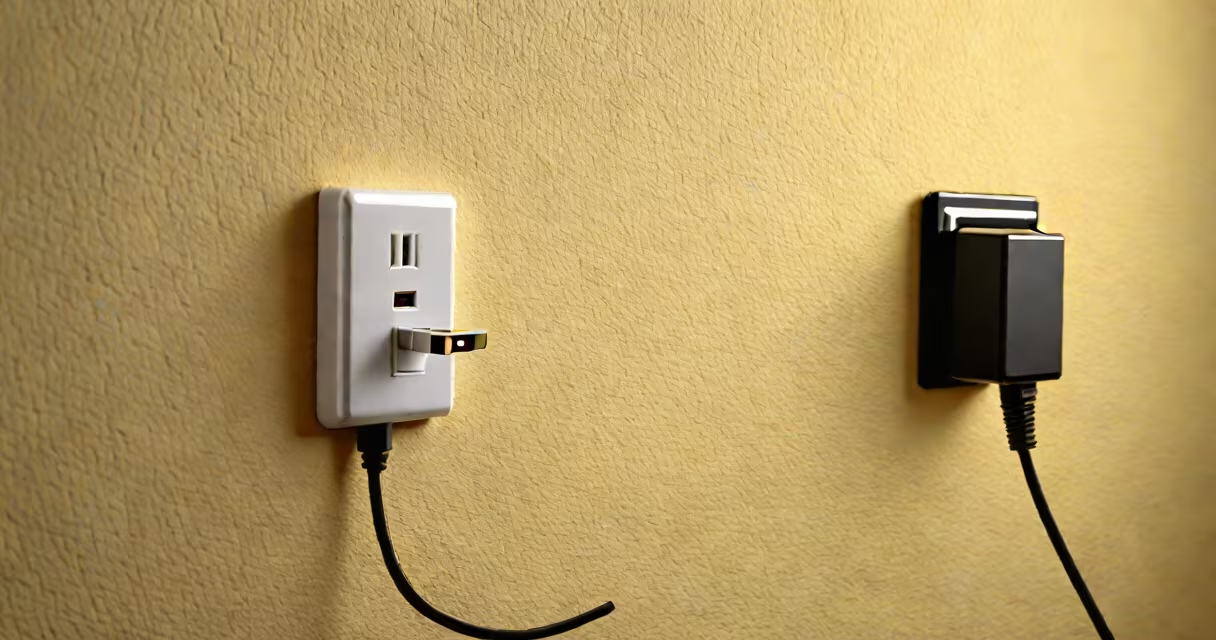
A USB AC adapter is a plug-in power supply that converts alternating current (AC) from a wall outlet into direct current (DC) at 5 volts, delivering power to USB devices such as smartphones, tablets, and external hard drives. It typically features a USB port and plugs directly into a standard electrical socket.
These adapters are essential for charging and powering portable electronics without relying on a computer's USB port. They are designed to meet international safety standards and often include built-in surge protection and thermal regulation to prevent overheating.
For example, a typical 5V/2A USB AC adapter can charge a smartphone in under two hours and power a small external SSD during file transfers. The output voltage and amperage determine compatibility and charging speed.
The USB AC adapter performs three core functions: AC-to-DC conversion, voltage regulation, and current control. When plugged into a wall outlet, it draws 100-240 volts AC, depending on region. This high-voltage input is stepped down and converted to a stable 5 volts DC through a switching power supply circuit.
Inside, a transformer reduces voltage, rectifiers convert AC to pulsating DC, and capacitors smooth the output. A voltage regulator maintains consistent output even if input fluctuates. This ensures safe delivery to connected devices.
Modern adapters use switch-mode power supplies (SMPS), which are efficient and compact. Unlike older linear power supplies, SMPS operate at high frequencies, reducing heat and size. A 5V/1A adapter may be smaller than a matchbox yet deliver reliable power.
USB AC adapters vary by output voltage, current, connector type, and compliance. Most standard adapters provide 5V DC, but some support higher voltages via USB Power Delivery (USB-PD) for faster charging.
| Type | Voltage | Max Current | Use Case | Example |
|---|---|---|---|---|
| Standard USB-A | 5V | 1A | Smartphones, basic peripherals | Apple 5W charger |
| High-Speed USB-A | 5V | 2.4A | Faster phone charging, tablets | Amazon Basics 10W adapter |
| USB-C PD | 5V, 9V, 15V, 20V | Up to 5A | Laptops, high-power devices | Belkin 65W USB-C PD adapter |
Adapters labeled "USB 2.0" or "USB 3.0" refer to data transfer rates, not power. Power delivery is independent. A USB 3.0 port can carry up to 900mA at 5V, while USB-PD supports up to 100W.
Always check the device's required voltage and current. Using a 5V/1A adapter with a 5V/3A tablet may result in slow charging or failure to power on. Overloading can trigger thermal cutoffs or damage internal circuits.
Another mistake is assuming all USB chargers are equal. A 5V/1A adapter cannot charge a laptop needing 20V/3A. Some devices require specific charging profiles. For example, a Samsung Galaxy S23 uses adaptive fast charging and may not activate unless the adapter supports Qualcomm Quick Charge 4+.
There's also confusion between "wall charger" and "USB AC adapter." While both plug into outlets, "wall charger" is a marketing term. Technically, all wall-plugged USB power units are USB AC adapters. The term "charger" implies intent to recharge batteries, but functionally, they're the same device.
Consider a user connecting a wireless keyboard to a desktop PC using a USB extension cable. The keyboard draws 100mA at 5V. Without a powered USB hub, the signal degrades over long runs. But plugging a USB AC adapter into a nearby outlet powers the extension cable, maintaining signal integrity and eliminating the need for a computer.
I once tested a 5V/2.1A USB AC adapter with a Raspberry Pi 4. The Pi drew 1.2A under load. Using a computer's USB port caused brownouts and crashes. Switching to a dedicated USB AC adapter stabilized performance. The Pi ran continuously for 72 hours without rebooting.
For travel, compact USB AC adapters with foldable prongs are common. The Anker 5-port 18W adapter weighs 110 grams and fits in a pocket. It supports multiple devices simultaneously and includes overcurrent and short-circuit protection.
Some devices use barrel jacks or proprietary connectors. A USB AC adapter won't work unless the device has a USB port. Always verify physical and electrical compatibility. A 5.5mm barrel jack with 5V input won't accept a USB Type-C plug.
Also, not all USB AC adapters support fast charging. Fast charging protocols like USB-PD or Qualcomm Quick Charge require both adapter and device to support the standard. A device may not charge faster even with a high-wattage adapter if it doesn't recognize the protocol.
When selecting a USB AC adapter, prioritize certified models from reputable brands. Look for safety certifications like UL, CE, or FCC. Avoid counterfeit chargers-some lack proper regulation and can overheat or damage devices.
For most users, a 5V/2A USB AC adapter suffices for phones, earbuds, and small accessories. For laptops or high-power tools, choose a model supporting USB-PD. Always match the adapter's output to the device's requirements.
A USB AC adapter is not just a power brick-it's a critical interface between home electricity and digital life. Understanding its role prevents damage, improves efficiency, and ensures reliable operation.