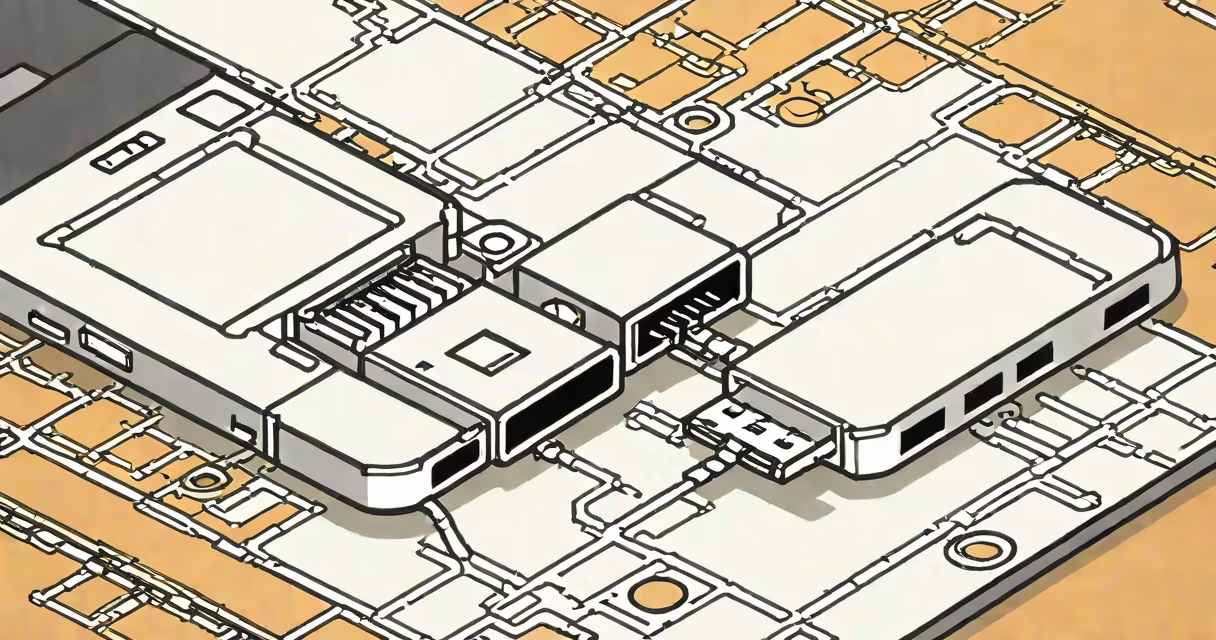
A micro USB port is a small, trapezoidal-shaped connector measuring approximately 6.85 mm wide and 17.5 mm long. It features a flat bottom edge and slightly angled sides, designed to fit one way only. The port contains five gold-plated metal contacts inside a plastic housing, arranged in a single row along the base.
It's commonly found on devices manufactured between 2007 and 2018, including older Android smartphones, digital cameras, GPS units, and portable speakers. Its compact size made it ideal for slim consumer electronics during the early smartphone boom.
The micro USB port was standardized under USB 2.0 and later supported USB 3.0 speeds in some implementations. It supports data transfer, charging, and device-to-device communication using a standard cable with a micro USB plug on one end and a USB-A or USB-C plug on the other.
The micro USB port has a distinct trapezoidal profile. The wider base ensures alignment during insertion, while the tapered sides prevent incorrect orientation. The port's housing is typically made of durable plastic with a reinforced inner frame to resist wear from repeated plugging.
Inside the port, five contact points carry power (Vbus), ground (GND), and data signals (D+ and D−). These are arranged in a single horizontal row along the bottom edge. The center contact is usually reserved for ground or power depending on the configuration.
One key design feature is the asymmetrical shape. Unlike USB-C, which is reversible, micro USB requires correct orientation. Inserting it upside down causes resistance and may damage the port. This limitation led to widespread user frustration and contributed to the adoption of USB-C.
Micro USB ports were widely adopted in consumer electronics from 2007 through 2018. They served as the primary charging and data interface for most Android phones released before 2015. Devices such as the Samsung Galaxy S3, HTC One M8, and Google Nexus 5 used micro USB for both charging and file transfers.
Other common applications included external hard drives, Bluetooth headphones, e-readers like the Amazon Kindle Paperwhite (first generation), and gaming controllers such as the Xbox Wireless Controller (original model).
According to the USB Implementers Forum (USB-IF), over 5 billion micro USB connectors were produced annually at peak usage. By 2020, the European Union mandated USB-C as the universal charging standard, phasing out micro USB in favor of a more durable, reversible design.
Micro USB differs from USB-A, USB-B, and USB-C in size, shape, and functionality. While USB-A is larger and rectangular, micro USB is smaller and trapezoidal. USB-B is square with a rounded top, used primarily for printers and older peripherals.
| Feature | Micro USB | USB-C | USB-A |
|---|---|---|---|
| Width | 6.85 mm | 8.4 mm | 12 mm |
| Reversible? | No | Yes | No |
| Max Data Speed | 480 Mbps (USB 2.0) | 10 Gbps (USB 3.2 Gen 2) | 480 Mbps |
| Common Devices | Older Android phones, cameras | Newer smartphones, laptops | Desktops, monitors, hubs |
Micro USB is often confused with mini USB, which is smaller and used in earlier devices like digital cameras from the early 2000s. Mini USB has a different pin layout and is not interchangeable with micro USB.
One overlooked difference is durability. Micro USB ports have a shorter lifespan due to mechanical stress from frequent plugging. A 2019 study by the University of California, Berkeley, found that micro USB connectors failed after an average of 1,200 insertions, compared to 10,000 for USB-C.
If you're holding a device and need to identify a micro USB port, look for a small, flat-bottomed slot with a slight curve on the top edge. The port will be labeled with a symbol resembling a trapezoid with a line through it - the official USB logo.
For example, the original Amazon Fire HD 7 tablet uses a micro USB port located on the side. When plugged in, the device charges and allows file transfer via MTP mode. The port is recessed slightly to protect the internal contacts from dust and debris.
I once replaced a micro USB port on a Samsung Galaxy S4 that had stopped charging. After disassembling the phone, I confirmed the port was bent inward, preventing proper connection. Replacing it with a new part restored function. The repair required a precision screwdriver and a soldering iron - a task many users avoid due to the risk of damaging the motherboard.
Micro USB is not the same as USB-C. Despite similar functions, they differ in size, shape, and performance. USB-C is larger, reversible, and supports faster data rates and higher power delivery.
It's also not interchangeable with mini USB. Mini USB was used in early digital cameras and MP3 players but has since been deprecated. Confusing the two can lead to buying the wrong cable or damaging a device.
Some users mistake micro USB for a proprietary connector. While certain brands like Sony and Motorola used custom versions, the standard micro USB port follows the USB-IF specification and is universally compatible with certified cables.
Understanding the physical form of a micro USB port helps when troubleshooting charging issues or selecting replacement cables. Always verify the port type before purchasing accessories.
While micro USB is being phased out, it remains in use on legacy devices. Knowing what it looks like prevents compatibility errors and extends the life of older electronics.