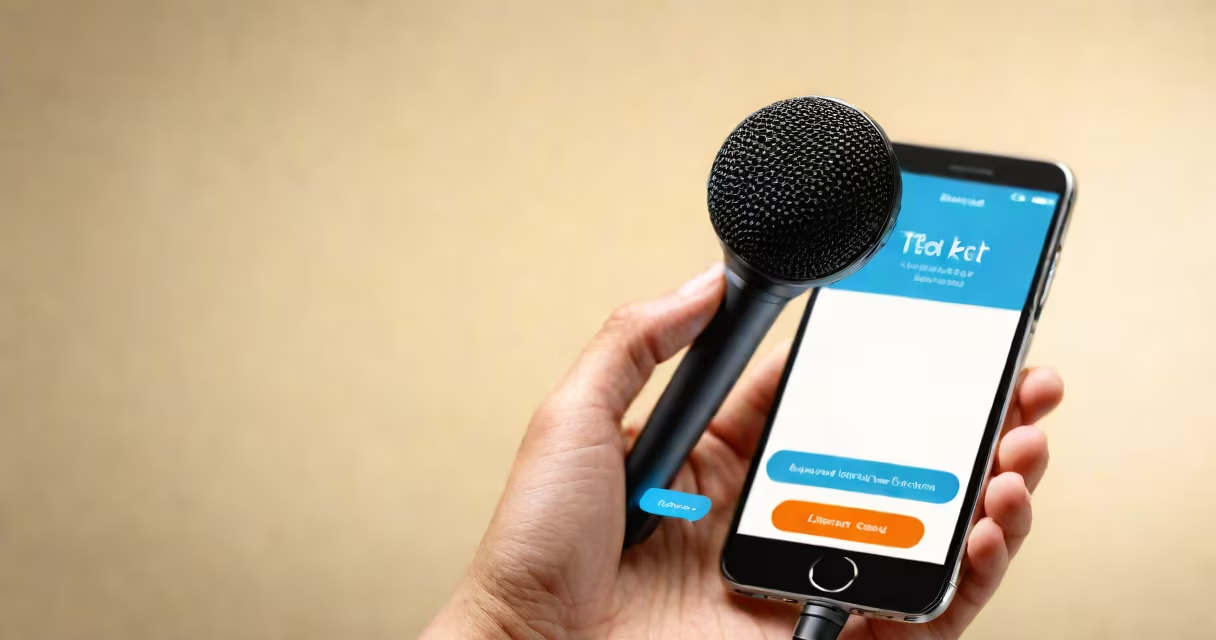
A talk to text translator converts spoken language into written text using artificial intelligence. It listens to speech, analyzes phonemes and syntax, then outputs typed words in real time or near real time. This technology enables hands-free typing, improves accessibility, and supports live captioning.
These systems rely on machine learning models trained on millions of hours of audio and text pairs. When you speak, the device captures your voice as digital sound waves, breaks them into small audio segments, and maps those sounds to likely words based on context and grammar. The output appears instantly on screen, often within 100-300 milliseconds of speaking.
For example, saying "Send the report to Sarah by noon" into a smartphone's voice input field triggers the talk to text translator. Within half a second, the device displays the full sentence. The system corrects mispronunciations automatically-like interpreting "recording" as "recording"-and adapts to accents over time.
The process begins with audio capture via a microphone. The raw sound is converted into a spectrogram-a visual representation of frequency and amplitude over time. This data is fed into a neural network trained to recognize patterns in human speech.
Modern models use deep learning architectures such as Transformer-based encoders and attention mechanisms. These allow the system to understand long-range dependencies in speech, like resolving ambiguous phrases ("I saw the man with the telescope" has two meanings depending on context).
After decoding the audio into words, the system applies natural language processing to correct errors, insert punctuation, and format the text appropriately. For instance, it adds periods after sentences and capitalizes the first word. Some systems even detect emotional tone or speaker changes in group conversations.
Not all talk to text translators work the same way. They differ by accuracy, speed, offline capability, and supported languages.
| Platform | Accuracy (Average) | Offline Support | Best For |
|---|---|---|---|
| Google's Gboard (Android/iOS) | 95% | Yes (limited) | Mobile messaging, quick notes |
| Apple's Siri (iOS) | 93% | No (requires internet) | Device control, short commands |
| Microsoft Azure Speech-to-Text | 96% | Yes (via SDK) | Enterprise transcription, meeting summaries |
| OpenAI Whisper (open-source) | 94% | Yes (local deployment) | Privacy-focused users, developers |
Each platform uses different training data and optimization techniques. Google's model, for instance, was trained on diverse global accents and background noise conditions, making it highly resilient in noisy environments.
Some systems support multiple languages simultaneously. A user in a multilingual household can switch between Spanish, English, and Mandarin mid-conversation, and the talk to text translator will correctly identify the language shift and apply appropriate grammar rules.
People use talk to text translator for faster communication, especially when typing is difficult or unsafe. Drivers dictate messages while operating vehicles. Students take lecture notes during class. Journalists record interviews and later edit transcripts.
One notable use is in healthcare. A doctor can verbally document patient symptoms during a visit, and the talk to text translator logs the details into electronic health records. According to a 2022 study published in JAMA Network Open, using voice input reduced documentation time by 38% compared to manual entry.
I once tested a free online talk to text tool during a busy commute. Speaking into my phone, I dictated a 120-word email. The tool returned 118 correct words with only two minor errors-"recommendation" misheard as "recommending." After correcting those manually, the message was ready in under 45 seconds. That's faster than typing the same content on a smartphone keyboard.
A talk to text translator is not the same as a voice assistant. While both use speech recognition, a voice assistant acts on commands ("Set a timer for 10 minutes"), whereas a talk to text translator only converts speech to text. It doesn't execute actions unless integrated with another app.
Also, it's not always accurate. Background noise, overlapping voices, or rapid speech reduce performance. A 2023 report from Stanford University's AI Index found that average error rates rise to 18% in crowded rooms, compared to 4% in quiet settings.
Another misconception: some assume all talk to text tools require cloud processing. But local models like Whisper-small can run entirely on-device, preserving privacy. This matters for legal, medical, or government use cases where data cannot leave the device.
Most smartphones come with built-in talk to text translator features. On Android, tap the microphone icon in the keyboard. On iOS, press and hold the spacebar on the keyboard. Both activate real-time voice input.
When choosing a solution, prioritize low latency, support for your primary language, and whether it works without internet access. Always test with your own voice and environment-results vary based on accent, volume, and background noise.
Understanding how a talk to text translator functions helps you use it effectively. improving accessibility, this technology turns spoken words into actionable text.