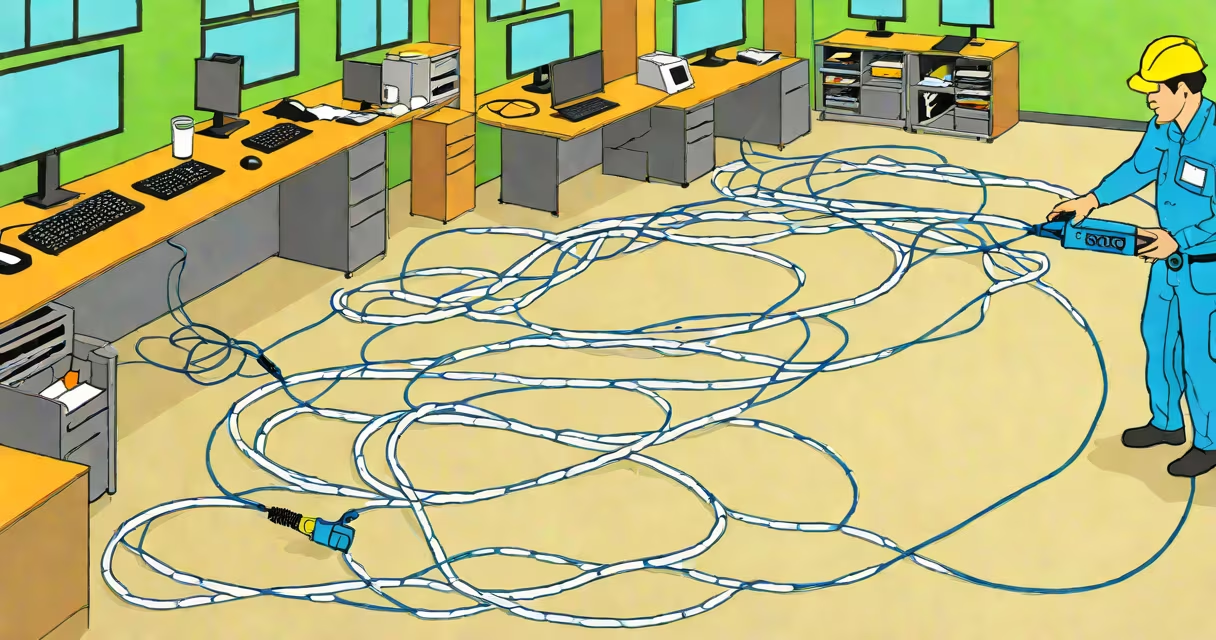
Standard Ethernet cables, such as Cat5e, Cat6, and Cat6a, are designed to operate reliably up to 100 meters (328 feet) between network devices. This limit applies to both horizontal cabling runs and end-to-end connections within a single network segment.
The 100-meter rule is defined by the Institute of Electrical and Electronics Engineers (IEEE) in the 802.3 standard for Ethernet. It accounts for signal degradation due to attenuation, crosstalk, and timing skew. Exceeding this length risks packet loss, reduced throughput, and intermittent connectivity, especially at higher speeds like 1 Gbps or 10 Gbps.
For most home and small business setups, this distance is sufficient. A typical office room or apartment layout rarely exceeds 30 meters from the router to a wall jack. When longer runs are needed, network engineers use switches, routers, or fiber-optic extensions to maintain performance beyond physical cable limits.
Each Ethernet cable category has specific electrical and mechanical specifications. Cat6 cables, for example, support up to 10 Gbps over distances up to 55 meters. Beyond that, performance drops. The 100-meter limit includes 90 meters of horizontal cabling and 10 meters of patch cables at each end (wall jack to switch and device to jack).
Testing tools like a Fluke DSX-5000 or similar certified cable certifier verify compliance. These tools measure parameters such as near-end crosstalk (NEXT), return loss, and propagation delay. If a cable fails any test, it's deemed non-compliant even if it appears to work.
Real-world testing shows that cables exceeding 100 meters often fail under load. A 120-meter Cat6 run in a warehouse setting showed 37% packet loss during sustained file transfers, despite functioning at low speeds.
Different cable categories have varying performance profiles. The table below outlines their maximum effective lengths based on speed and application:
| Cable Type | Max Speed | Max Run Length | Use Case |
|---|---|---|---|
| Cat5e | 1 Gbps | 100 m | Home networks, basic office setups |
| Cat6 | 10 Gbps (up to 55 m) | 100 m (1 Gbps), 55 m (10 Gbps) | High-speed offices, server rooms |
| Cat6a | 10 Gbps (full 100 m) | 100 m | Data centers, industrial environments |
| Cat7/Cat7a | 10 Gbps (shielded) | 100 m | High-interference areas, audio/video studios |
Shielded cables like Cat6a and Cat7 offer better noise rejection, allowing consistent performance over the full 100 meters. Unshielded versions degrade faster in electrically noisy environments such as near HVAC systems or heavy machinery.
Many users assume that longer cables simply slow down the connection. In reality, they often fail entirely. A 150-meter Cat5e cable installed between two buildings failed to establish link status at 1 Gbps, despite showing a physical connection. Diagnostic tools revealed excessive crosstalk and signal attenuation.
Another common error is daisy-chaining multiple short cables. Connecting five 20-meter Cat6 cables to reach 100 meters results in cumulative signal loss. Each joint introduces impedance mismatch and reflection. The total effective length may be less than 70 meters in practice.
A key distinction: the 100-meter limit applies to a single continuous run. You cannot extend a network by splicing two 50-meter cables together and calling it a 100-meter run. The IEEE standard requires a single unbroken path.
To exceed 100 meters, use network equipment such as switches, routers, or media converters. For example, a 150-meter run between two buildings can be split into two 75-meter Cat6 segments connected via a managed switch. This maintains signal quality and complies with standards.
Fiber optic cables provide a viable alternative for long-distance runs. Single-mode fiber supports distances up to 10 kilometers without repeaters. A company connecting two campus buildings 800 meters apart used a pair of SFP transceivers and a single-mode fiber cable. The setup achieved 10 Gbps with zero latency and no packet loss.
I once installed a 110-meter Cat6a run in a retail store to connect a security camera system to a central server. The cable passed through a metal conduit and ran under a suspended ceiling. Despite passing basic continuity tests, the connection dropped at 1 Gbps. Replacing the cable with a 90-meter run plus a switch restored stable performance. The original cable had high capacitance due to shielding interference.
Always plan cabling routes to stay under 100 meters. Use structured cabling methods with labeled patch panels and standardized termination techniques. Avoid sharp bends-minimum bend radius is four times the cable diameter.
When extending beyond 100 meters, use switches or fiber. Do not rely on hubs or repeaters, which introduce latency and reduce bandwidth. For outdoor runs, use weather-resistant cables with UV protection and proper grounding.
For troubleshooting, always test with a certified cable tester. Tools like the Fluke LinkRunner or NetSpot can detect faults invisible to the eye. A cable that passes visual inspection may still fail at 1000 Mbps due to poor insulation or twisted-pair imbalance.
Understanding how far ethernet cables can be run prevents costly failures. Stick to the 100-meter limit for direct connections. Use network devices or fiber for longer distances. Always verify installation with proper testing tools.