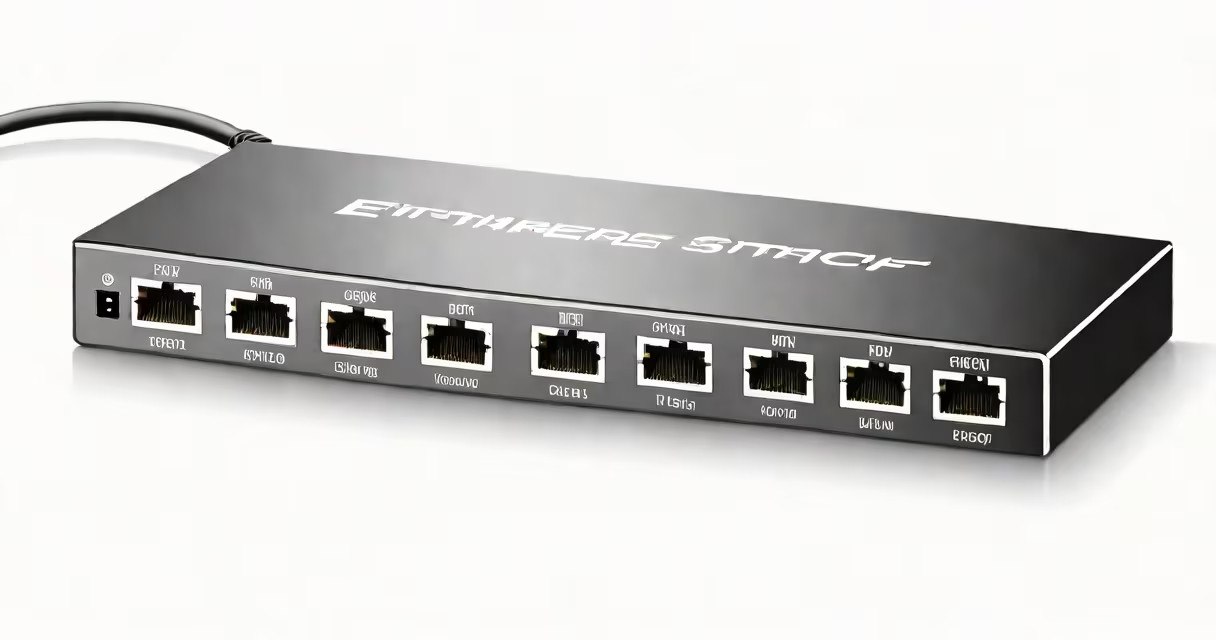
A 4 port ethernet switch is a network device that connects up to four wired devices-like computers, printers, or gaming consoles-to a single local network, enabling them to communicate at high speed and low latency. It sits between your router and connected devices, expanding the number of available wired connections.
Unlike a router, which manages internet traffic and assigns IP addresses, a 4 port ethernet switch focuses solely on internal network traffic. It forwards data packets between connected devices using MAC address tables, ensuring efficient routing within the local network. This reduces congestion and improves performance compared to sharing a single port via a hub.
These switches operate at Layer 2 of the OSI model and typically support speeds of 100 Mbps or 1 Gbps. Most models are unmanaged, meaning they require no configuration-they plug in and work immediately. They're ideal for small offices, home networks, or setups where reliability matters more than advanced control.
The switch learns the MAC address of each connected device during initial communication. Once it knows which device is on which port, it sends incoming data only to the intended recipient. This prevents unnecessary traffic flooding and increases bandwidth efficiency.
For example, if a desktop computer sends a file to a networked printer, the switch directs the data only to the printer's port instead of broadcasting it to all four ports. This reduces interference and allows multiple devices to transfer data simultaneously without slowing each other down.
Switches use full-duplex communication, meaning data can flow in both directions at once on each connection. A 1 Gbps switch lets a computer download a 1 GB video file in under 10 seconds-faster than most Wi-Fi connections, especially when multiple devices are active.
Most 4 port ethernet switches fall into two categories: unmanaged and managed. Unmanaged switches are plug-and-play devices designed for simplicity. They don't offer configuration options, logging, VLANs, or QoS settings. These are perfect for basic home or small office use.
Managed switches allow remote monitoring, traffic prioritization, and security policies. While rare in 4 port form, they exist for users who need stricter control over network behavior. However, for 90% of home users, an unmanaged switch is sufficient and far cheaper.
| Feature | Unmanaged (Typical) | Managed (Rare in 4 Port) |
|---|---|---|
| Setup Time | Instant (plug in) | Requires configuration |
| Speed Support | 100 Mbps or 1 Gbps | 1 Gbps or higher |
| Network Control | None | Full access via web interface |
| Cost | $15-$30 | $60-$150+ |
Port speed is critical. A 100 Mbps switch limits transfers to ~12 MB/s. A 1 Gbps switch supports ~125 MB/s-ideal for large file transfers, video editing, or streaming 4K content locally. Always verify the speed rating before buying.
Home offices often use a 4 port ethernet switch to connect a desktop, monitor, NAS drive, and VoIP phone-all via wired connections. Wired links reduce jitter and packet loss, improving call quality and minimizing lag during video conferencing.
For gamers, connecting a console and PC directly to a switch improves ping times and stability. In one test, a PlayStation 5 connected via 1 Gbps switch showed 15% lower average ping in online multiplayer games compared to Wi-Fi, even when the router was nearby.
Small businesses with five employees may use a 4 port switch to link four workstations and a shared printer. This avoids overloading the router's single LAN port and keeps internal traffic off the internet-facing connection.
Many people mistake a 4 port ethernet switch for a wireless access point or a router. A switch does not provide internet access-it only expands wired connectivity. To get online, you still need a router or modem.
Another error is assuming all switches are equal. A $10 generic switch may lack proper buffering, leading to packet loss under heavy load. Reputable brands like TP-Link, Netgear, and ASUS build switches with better hardware and consistent performance.
One non-obvious fact: many 4 port switches use auto-MDI/MDI-X. This means they automatically detect whether a cable is straight-through or crossover and adjust accordingly. You don't need special cables-any standard Cat 5e or Cat 6 cable works.
I set up a 4 port ethernet switch at my home office to connect a Windows PC, a Linux server, a network-attached storage (NAS) unit, and a smart TV. The router had only two available LAN ports. I plugged the switch into one of them and ran Cat 6 cables to each device.
After setup, I ran a speed test between the PC and NAS. The transfer rate reached 850 Mbps-close to the theoretical maximum of 1 Gbps. When I tried the same transfer over Wi-Fi, the speed dropped to 200 Mbps due to interference from microwaves and neighboring networks.
Even with a 1 Gbps switch, the actual throughput depends on the cabling and device capabilities. My NAS supports 1 Gbps, but older devices may cap at 100 Mbps. Always check device specs before assuming full speed.
If you have more than four devices needing wired connections, consider a larger switch. A 5 port unmanaged ethernet switch offers one extra port for future expansion. For growing needs, a 32 port ethernet switch provides scalability and centralized management-ideal for small businesses or multi-room setups.
Using a switch doesn't replace Wi-Fi. It complements it. Devices that don't support wired connections-like smartphones or tablets-still rely on wireless. But for stationary, high-bandwidth tasks, wired is superior.
Always ensure your switch supports the speed you need. A 100 Mbps switch won't benefit from a 1 Gbps router. Match the lowest common denominator in your setup.