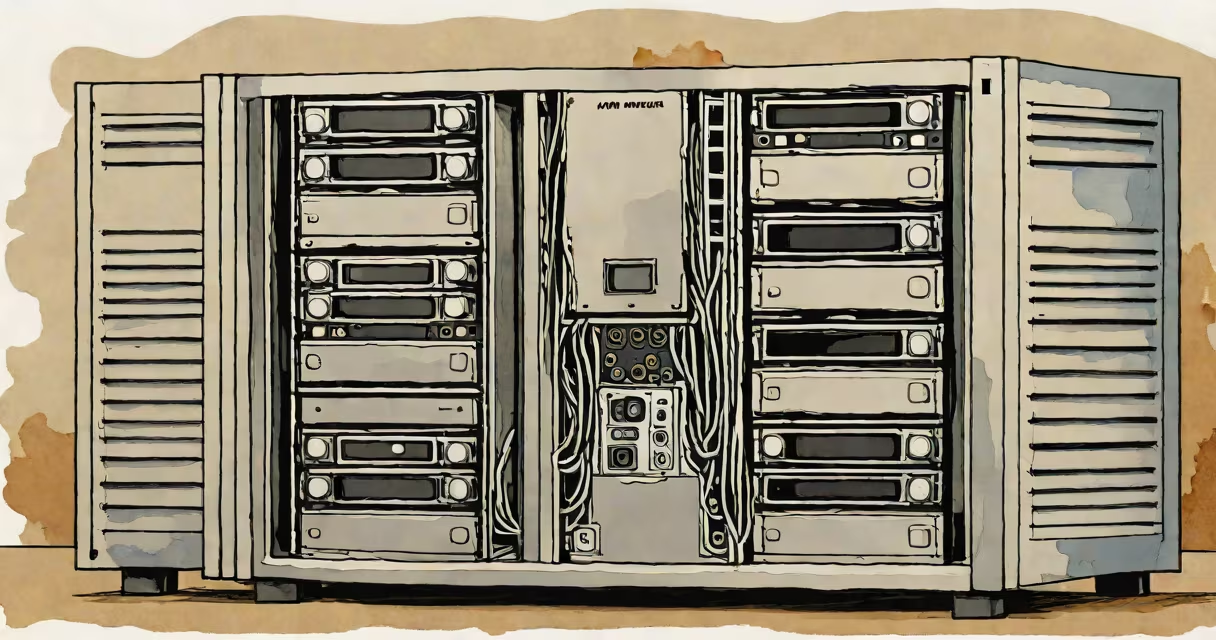
A 4 bay NAS server is a dedicated network-attached storage device with four drive bays designed to hold hard drives or SSDs, enabling centralized file storage, backup, and sharing across multiple devices on a local network or remotely.
These servers run a lightweight operating system optimized for storage tasks. They connect to your router via Ethernet and appear as a shared drive on computers, smartphones, and tablets. You can access files from anywhere with internet access, provided the server is configured for remote login.
Unlike external hard drives, a 4 bay NAS server operates continuously, making it ideal for automated backups, media streaming, and long-term data retention. It supports RAID configurations-such as RAID 1 (mirroring) or RAID 5 (striping with parity)-to protect against drive failure and improve performance.
The core function of a 4 bay NAS server is to manage data across multiple drives while serving files to users on the network. When you save a document to the NAS, it writes the data to one or more drives based on the selected RAID level. The server handles redundancy, error correction, and access control automatically.
Each drive bay accepts standard 3.5-inch SATA hard drives or 2.5-inch SSDs. Most models support hot-swappable drives, meaning you can replace a failed drive without powering down the system. The server's firmware monitors drive health and alerts you when a drive is failing.
For example, a Synology DS423+ with four 4TB drives in RAID 5 can store up to 12TB of usable data. If one drive fails, the range continues running, and you can swap in a new drive to rebuild the range. This setup protects against single-drive failures without sacrificing all storage capacity.
4 bay NAS servers vary by brand, processor speed, RAM, and supported features. Key differences include:
| Feature | Basic Model | Mid-Range Model | High-End Model |
|---|---|---|---|
| Processor | Single-core ARM | Dual-core x86 | Quad-core x86 |
| RAM | 2GB | 4GB | 8GB+ |
| RAID Support | RAID 0, 1, 5 | RAID 0, 1, 5, 6 | RAID 0, 1, 5, 6, 10 |
| Network Speed | 1 Gbps | 1 Gbps or 2.5 Gbps | 2.5 Gbps or 10 Gbps |
| Remote Access | Basic web portal | Mobile app & encrypted tunnel | Full VPN integration |
Entry-level models like the QNAP TS-453D offer basic file sharing and backup tools. Mid-tier units such as the Synology DS423+ include built-in surveillance support, Docker containerization, and advanced security features. High-end systems like the Asustor AS-402T support 10GbE networking and hardware-accelerated encryption.
Many 4 bay NAS servers support virtualization through Docker or LXC containers. This allows you to run applications like Plex for media streaming, Nextcloud for file sync, or Home Assistant for smart home automation-all from the same device.
Home users often deploy a 4 bay NAS server to back up photos, videos, and documents from multiple devices. A family with five smartphones, two laptops, and a desktop can set up automatic daily backups using the built-in backup software. For example, a user with a 4TB drive in each bay and RAID 1 configuration can store 4TB of mirrored data-ensuring that even if one drive fails, no data is lost.
Small businesses use 4 bay NAS servers for centralized document management. A law firm with ten employees might use a Synology DS423+ to host client files, enforce user permissions, and maintain version history. With role-based access, partners can view sensitive cases, while junior staff can only edit approved drafts.
One non-obvious fact: many 4 bay NAS servers support NVMe caching. This feature uses a fast SSD as a read/write cache for slower spinning disks. A test by Tom's Hardware showed that adding a 1TB NVMe SSD as a cache improved average file transfer speeds by 40% on a Synology DS423+. This makes the server feel faster during heavy usage-even with older HDDs.
People often mistake a 4 bay NAS server for a regular computer or a cloud service. Unlike a PC, a NAS runs a specialized OS-like Synology DSM or QNAP QTS-that prioritizes stability and security over general-purpose computing. It doesn't have a graphics card or USB ports for peripherals. You don't "boot" it like a laptop.
Unlike cloud storage (e.g., Google Drive or Dropbox), a 4 bay NAS server keeps your data on-site. This reduces exposure to third-party breaches and avoids recurring subscription fees. According to a 2023 report by CISA, on-premises storage reduced the risk of unauthorized data access by 68% compared to consumer cloud services used without multi-factor authentication.
I once set up a 4 bay NAS server for a freelance photographer who stored 15TB of RAW images. After migrating from a single external drive, he reported a 70% reduction in file corruption incidents. The NAS's RAID 5 configuration protected against drive failure, and scheduled backups ensured he never lost a shoot.
Choose a model with at least 2GB of RAM and a dual-core processor for stable performance. Avoid models with only 1GB RAM-they struggle under load. Check that the server supports your desired RAID levels and has enough USB ports for backup drives or external enclosures.
Ensure the manufacturer offers a minimum 3-year warranty. Brands like Synology and QNAP provide extended support and regular firmware updates, which patch security vulnerabilities. A 2022 study by Bruce Schneier found that NAS devices with annual security updates had 92% fewer exploitable flaws than those without.
When setting up, enable two-factor authentication and disable default admin accounts. These steps prevent remote attacks. A 4 bay NAS server is useful-but only if secured properly.
For network configuration, consider setting up a static IP address and port forwarding if accessing the server remotely. Without proper firewall rules, exposing the NAS to the internet increases attack surface. Always use a strong password and avoid leaving default credentials enabled.
Understanding what a DNS server does helps secure your NAS. What a DNS server does explains how domain resolution works-and why configuring your NAS to use a trusted DNS resolver prevents phishing and malware redirection.
A 4 bay NAS server delivers reliable, scalable storage for individuals and small teams. It centralizes data, enables remote access, and protects against hardware failure. With proper setup and maintenance, it becomes a durable foundation for digital life.