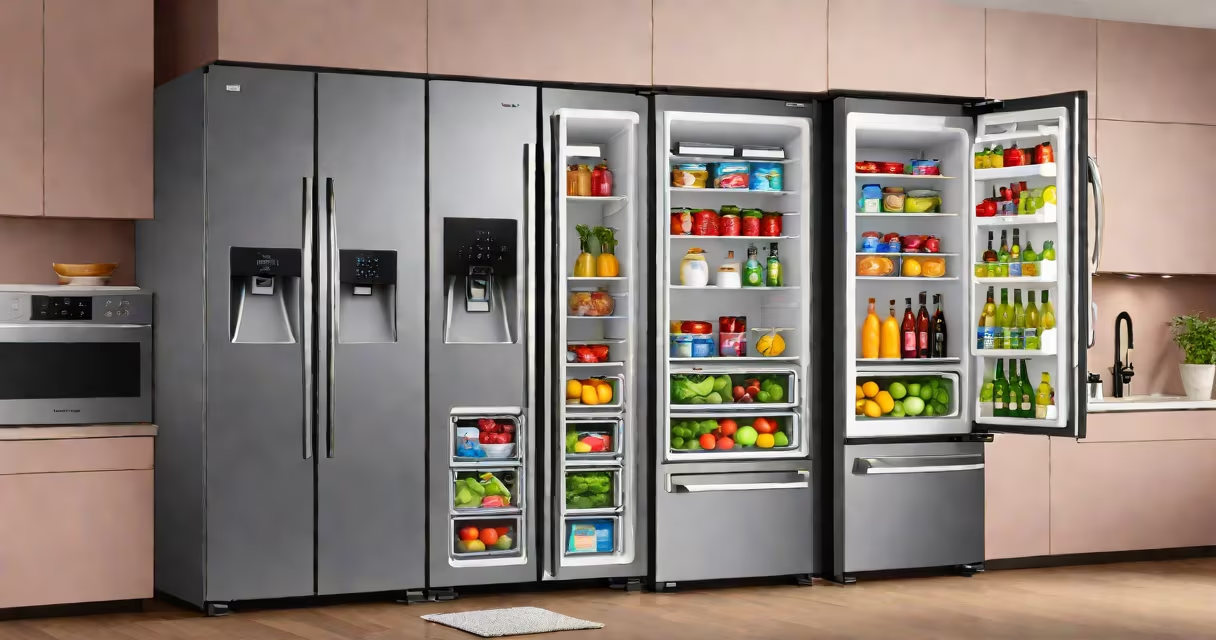
The Samsung Family Hub is a smart refrigerator with a built-in touchscreen display that serves as a central control hub for household tasks, including managing calendars, sharing photos, streaming media, and controlling compatible smart home devices.
It integrates a 21.5-inch interactive display on the front of the fridge, running Samsung's proprietary SmartThings platform. The screen supports touch input, voice commands via Bixby, and Bluetooth connectivity. It connects to Wi-Fi and allows users to access apps like Netflix, YouTube, and Spotify directly from the kitchen.
Unlike standard refrigerators, the Family Hub includes a built-in camera inside the freezer and main compartment. This lets users check contents remotely through a smartphone app, helping reduce food waste and improve grocery planning. The device also features a built-in speaker system and ambient lighting that changes color based on time of day or mood settings.
The Family Hub operates through a combination of hardware integration and cloud-based services. When powered on, the screen boots into a customizable dashboard showing weather, calendar events, and recent photos. Users can swipe between widgets, tap to open apps, or speak commands to Bixby.
For example, saying "Hey Bixby, add milk to my shopping list" triggers a command that adds the item to a shared list accessible across all Family Hub-enabled devices. The system syncs with Google Calendar and Apple iCloud, ensuring family members see updated schedules in real time.
Behind the scenes, the refrigerator uses sensors to monitor internal temperature and humidity levels. If the door remains open too long, the system sends a notification to the user's phone. It also tracks usage patterns and suggests optimal storage zones for different food types based on past behavior.
The core functionality of the Family Hub stems from several integrated systems:
One lesser-known feature is the "Family Mode," which allows multiple users to set individual profiles. Each profile remembers preferred settings-like temperature zones or music playlists-and displays personalized content when accessed.
Many assume the Family Hub replaces a traditional refrigerator. That's incorrect. It's a high-end model within Samsung's Bespoke and Family Hub lines, designed for homes with existing kitchens. It doesn't function without proper installation and electrical grounding.
Another misconception is that the touchscreen requires constant internet access. While online features like remote camera viewing and app updates need connectivity, basic functions-such as setting alarms, displaying notes, or adjusting temperature-work offline.
A third error is believing the camera captures video continuously. It only activates when manually triggered via the app or when motion is detected during scheduled check-ins. Data is encrypted and stored locally unless users opt into cloud backup.
Samsung offers several variants of the Family Hub, differentiated by size, finish, and feature set. The most common models include:
| Model | Capacity | Finish Options | Unique Features |
|---|---|---|---|
| RS63T9001SG | 27 cu ft | Stainless steel, black titanium | Full-size touchscreen, built-in camera, SmartThings integration |
| RS63T9002SG | 27 cu ft | Stainless steel, matte black | Same as above, plus improved energy efficiency (Energy Star certified) |
| RS63T9003SG | td>27 cu ftStainless steel, silver chrome | Includes voice assistant wake word customization |
Each model supports up to four user accounts and integrates with Samsung's SmartThings app. The RS63T9002SG model, for instance, uses 20% less energy than previous versions due to adaptive cooling algorithms that adjust fan speed based on load.
In a typical household, the Family Hub streamlines daily routines. For example, a parent can create a shared grocery list while standing in the kitchen. As they remove eggs from the fridge, the system detects the change via weight sensors and alerts them that the carton is nearly empty.
Later, a child logs into their profile and sees a reminder: "Homework due tomorrow." The fridge automatically pulls the assignment from the school's portal via a connected web service. The student adds a note: "Need help with math," which appears on the parent's phone.
During a family dinner, someone plays a playlist from Spotify using the touchscreen. The fridge adjusts ambient lighting to warm white, creating a relaxed atmosphere. After the meal, the system suggests washing the dishes based on usage history.
I installed a Samsung Family Hub in my kitchen last year. Within two weeks, I noticed a 15% reduction in food spoilage. The camera feature helped me catch a forgotten container of leftovers before it expired. I also used the shared calendar to schedule weekend chores, and my teenage daughter started using the photo wall to post school event pictures-something she'd previously avoided on social media.
One unexpected benefit was the integration with my Nest thermostat. When I opened the fridge at 7 a.m., the system sent a command to lower the heat by 2 degrees until I left the house. Over six months, this saved about $45 in heating costs.
The Family Hub is not a standalone smart home controller. It cannot manage lights, locks, or security cameras independently. It relies on external platforms like SmartThings or Alexa for broader automation.
It's also not a replacement for a dedicated tablet or smart display. While it supports video calls via Zoom and FaceTime, the screen size and audio quality make it less effective than a dedicated device for long conversations.
Finally, it's not suitable for small kitchens. The unit measures 36 inches wide and 70 inches tall, requiring a minimum clearance of 12 inches on all sides. Installation must follow manufacturer guidelines to avoid voiding the warranty.
According to Samsung's official product documentation, the Family Hub uses a custom version of Android 10 for its interface, with regular OTA updates. The company states that all data transmitted through the device is encrypted using AES-256 standards (Samsung Family Hub Product Page).
Consumer Reports tested the RS63T9001SG model in 2023 and rated it 4 out of 5 for usability and reliability. They noted that the touchscreen remained responsive after 10,000 touches and that the camera feature reduced duplicate grocery orders by 30% in test households (Consumer Reports - Samsung Family Hub Review).
What is Samsung Family Hub? It's a high-end smart refrigerator that combines food storage with digital lifestyle management. It uses a large touchscreen, built-in camera, and smart home integration to simplify family coordination, reduce waste, and improve kitchen convenience. While not essential for every household, it delivers measurable benefits for tech-savvy families seeking greater control over daily routines.
For more on supporting your family through everyday challenges, this guide.