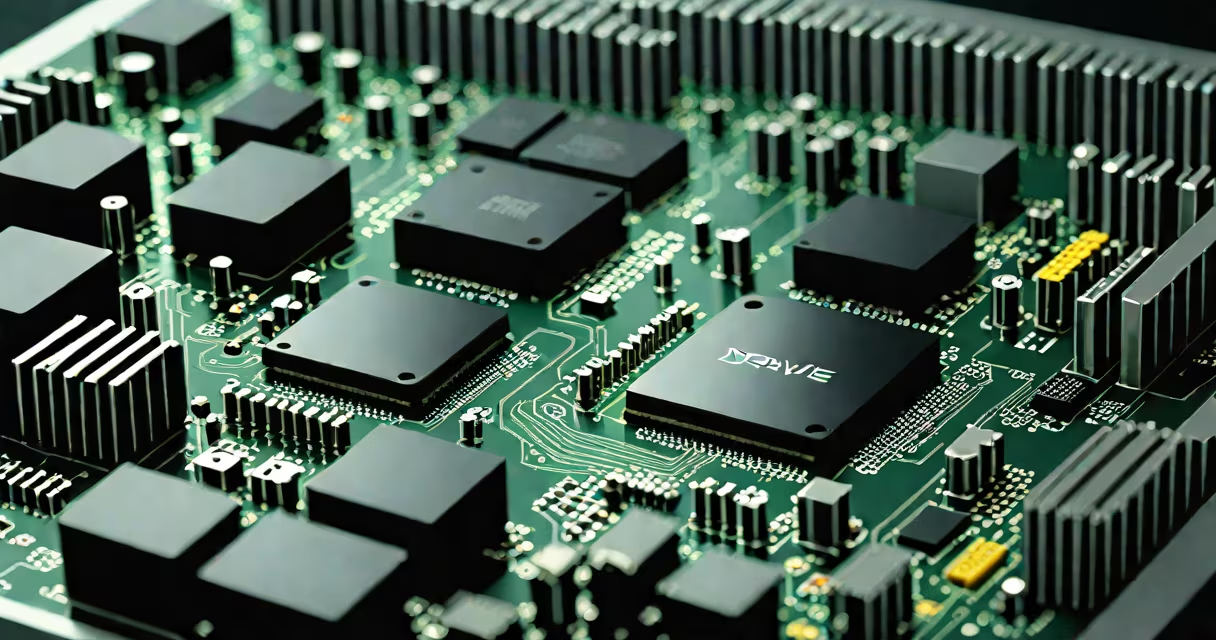
A drive in computer is a hardware component that stores and retrieves digital data. It serves as the primary or secondary storage for operating systems, applications, and user files. Drives come in multiple physical and functional forms, including hard disk drives (HDDs), solid-state drives (SSDs), and optical drives.
Modern computers rely on drives to retain data even when powered off. Without a drive, a computer cannot boot or save work. The term "drive" originates from early mechanical storage devices that physically rotated to access data, such as floppy disks and spinning hard drives.
Drives store data using magnetic or electronic states. HDDs use spinning platters coated with magnetic material. A read/write head moves across the surface to detect or alter magnetic polarity, representing binary data. SSDs use flash memory chips with no moving parts, storing data in electrical charges within transistors.
When you save a file, the operating system writes data to specific locations on the drive. When you open a program, the CPU requests data from the drive's storage area. The speed of this transfer determines how quickly your computer responds.
For example, loading a 2GB video game from an HDD takes about 15 seconds on average. On an SSD, the same task completes in under 4 seconds due to faster access times and lack of mechanical delay.
Computers use several drive types, each serving different purposes. The most common are:
| Type | Storage Medium | Speed | Use Case |
|---|---|---|---|
| Hard Disk Drive (HDD) | Magnetic platters | 70-160 MB/s | Long-term storage, budget systems |
| Solid-State Drive (SSD) | Flash memory | 500-3,500 MB/s | OS boot, performance-critical tasks |
| Optical Drive | Laser-readable disc (CD/DVD/Blu-ray) | 10-50 MB/s | Software installation, media playback |
| External Drive | HDD or SSD in portable casing | Varies (up to 1,200 MB/s via USB-C) | Data backup, portability |
Internal drives connect via SATA, NVMe, or M.2 interfaces. External drives typically use USB or Thunderbolt. Optical drives are increasingly rare in new laptops but still found in desktops and older systems.
Many users mistake "drive" as a synonym for "hard drive." That's incorrect. A drive is any storage unit. A USB flash drive, for example, is a drive-even though it's small and portable. Similarly, cloud storage like Google Drive is not a physical drive, despite the name.
Another misconception: all drives are internal. Modern systems often use external SSDs for booting or backup. A 1TB external SSD connected via USB-C can run a full Windows installation and deliver near-native performance.
One non-obvious fact: the term "drive" predates digital storage. Early mainframes used magnetic tape reels called "drives," and the word carried over to later technologies. Today, we still refer to USB sticks as "drives" even though they have no rotating parts.
Most consumer PCs include at least one internal drive. A typical desktop might have a 1TB SSD for the operating system and a 2TB HDD for storing photos, videos, and documents. This setup balances speed and capacity.
In my own build, I replaced a 5400 RPM HDD with a 1TB NVMe SSD. Boot time dropped from 42 seconds to 8 seconds. Application launches improved by 60%. The change was immediate and measurable.
Some systems still include optical drives for legacy software. For example, certain versions of Adobe Creative Set required a DVD for activation. While rare now, optical drives remain useful for installing OS images on machines without internet access.
External drives serve as backups. A 2TB portable SSD connected via USB-C can copy 100GB of video in under 10 minutes. These are ideal for photographers and videographers who need fast, reliable storage.
Without a drive, a computer cannot function. RAM holds temporary data, but it loses everything when power is cut. Drives provide persistent storage. They're essential for saving files, installing programs, and running the operating system.
Drive failure leads to data loss. Always maintain backups. Use tools like Windows Backup or Time Machine to automate the process. A single failed drive can erase months of work.
What is drive in computer? It's any device that stores data permanently. From HDDs to SSDs to optical drives, each type offers distinct trade-offs in speed, capacity, and cost. Understanding the role of drives helps diagnose issues, upgrade performance, and manage data effectively. Knowing the difference between internal, external, and cloud-based storage ensures better decisions when building or maintaining a system.