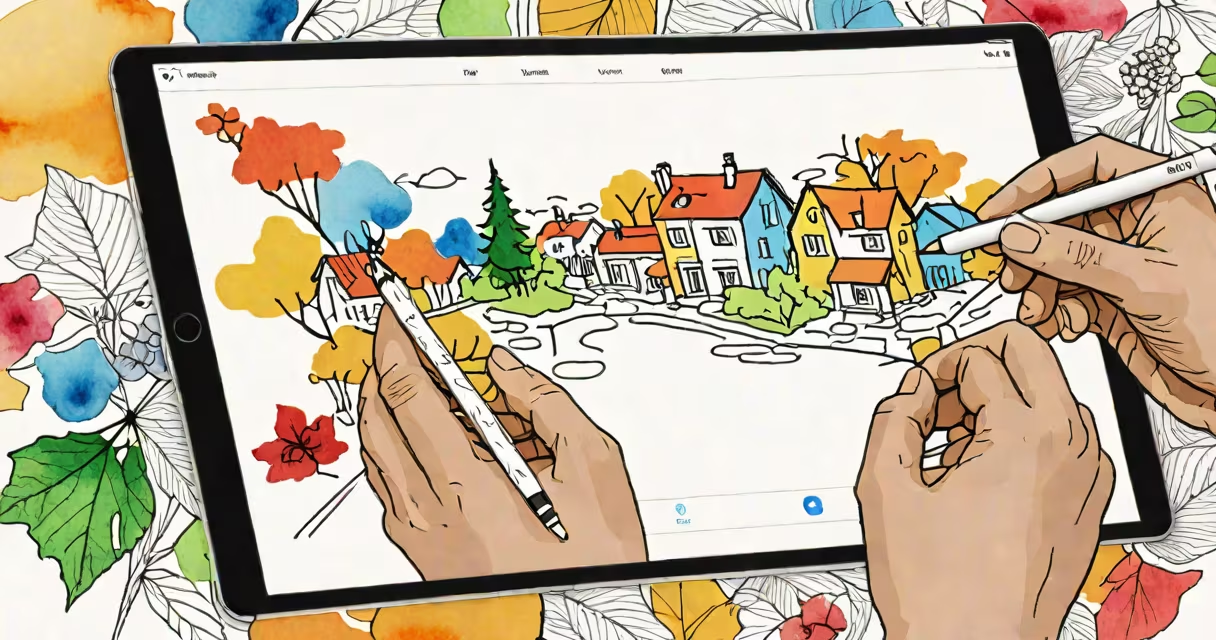
The iPad Air is a versatile tablet designed for creative work, remote learning, mobile productivity, and entertainment. It combines a lightweight build, high-resolution display, and support for the Apple Pencil and Magic Keyboard to serve as a portable alternative to laptops and drawing tablets.
Apple positions the iPad Air as a device for people who want performance and portability without the price premium of the Pro models. It runs iPadOS, which enables multitasking, split-screen apps, and smooth integration with iPhone, Mac, and iCloud. This makes it effective for tasks ranging from note-taking during virtual classes to editing photos and managing spreadsheets.
Users often mistake the iPad Air for a media consumption device. While it handles streaming, reading, and gaming well, its real strength lies in active use-writing, sketching, coding, and organizing workflows. The ability to run professional-grade apps like Adobe Photoshop, Procreate, and Notion elevates it beyond casual use.
The iPad Air uses the M1 chip, which delivers desktop-level performance in a slim form factor. This allows it to handle complex tasks such as video editing in iMovie, 4K playback, and running multiple apps simultaneously without lag. Benchmarks show it outperforms most Android tablets and even some older laptops in single-threaded workloads.
Its 10.9-inch Liquid Retina display supports True Tone and P3 color, making it ideal for photo and video editing. The screen's brightness reaches 600 nits, sufficient for outdoor visibility. Touch sensitivity is precise, especially when paired with the Apple Pencil, which offers 2 millisecond latency and pressure sensitivity.
For connectivity, the iPad Air includes Wi-Fi 6 and optional cellular (LTE/5G) on select models. This enables stable video calls, cloud backups, and real-time collaboration. Face ID provides secure authentication, and the device supports Handoff, Universal Clipboard, and Sidecar for Mac integration.
As of 2024, the iPad Air is available in four configurations:
| Model | Chip | Storage Options | Cellular Support | Price (USD) |
|---|---|---|---|---|
| 5th Gen (2022) | M1 | 64GB, 256GB | Wi-Fi only or LTE/5G | $599-$899 |
| 4th Gen (2020) | A14 Bionic | 64GB, 256GB | Wi-Fi only or LTE | $599-$799 |
The 5th generation model, released in 2022, introduced the M1 chip and redesigned bezels. It's the current standard for users seeking modern performance. The 4th generation remains viable for budget-conscious buyers, though it lacks the M1's GPU and neural engine improvements.
Some users assume the iPad Air is interchangeable with the iPad mini or iPad Pro. It's not. The iPad Air has a larger screen than the mini and better performance than the base iPad. However, it lacks the ProMotion refresh rate (120Hz), LiDAR scanner, and advanced camera system found in the Pro models.
Students use the iPad Air for digital note-taking during lectures. With Notability or GoodNotes, they can annotate PDFs, record audio, and export files directly to Google Drive or Dropbox. A 2023 study by the National Center for Education Statistics found that 68% of college students using tablets reported higher engagement in hybrid courses compared to paper-based methods.
Artists rely on the iPad Air for digital illustration. Procreate, available exclusively on iOS, supports 130 layers, custom brushes, and animation tools. One freelance illustrator I met at a design conference completed a 12-page comic in under three days using only an iPad Air and Apple Pencil-without needing a desktop computer.
Professionals use it for remote meetings and project management. Zoom, Microsoft Teams, and Slack integrate smoothly with the device. With the Magic Keyboard, users can type emails, edit documents in Pages, and manage calendars-all while traveling. The keyboard adds 1.2 pounds, but the weight stays under 1 pound when detached.
Many think the iPad Air is just a larger iPad. It's not. The iPad Air has a faster processor, better graphics, and improved audio quality. The base iPad uses the A13 Bionic chip (2020) or A14 (2021), while the Air uses the M1-up to 3x faster in CPU benchmarks and 6x faster in GPU tests.
Another misconception is that the iPad Air can replace a laptop. It can't for all workflows. Users doing heavy programming, video rendering, or database management still benefit from a Mac or Windows machine. But for light to moderate work, the iPad Air reduces the need for a separate device.
Finally, some assume the Apple Pencil is included. It is not. The first-generation Pencil costs $129 and pairs via Bluetooth. The second-gen Pencil ($159) attaches magnetically and charges wirelessly. Both require pairing with the iPad Air's Lightning or USB-C port.
Consider Maya, a junior at a liberal arts college studying graphic design. She uses her iPad Air daily:
Her setup costs $750 total-iPad Air (base model), Apple Pencil, Magic Keyboard. She saves time and space compared to carrying a laptop and sketchbook.
The iPad Air is not a toy. It's a capable tool for creators, learners, and remote workers. Its blend of power, portability, and app system makes it one of the most practical tablets on the market.