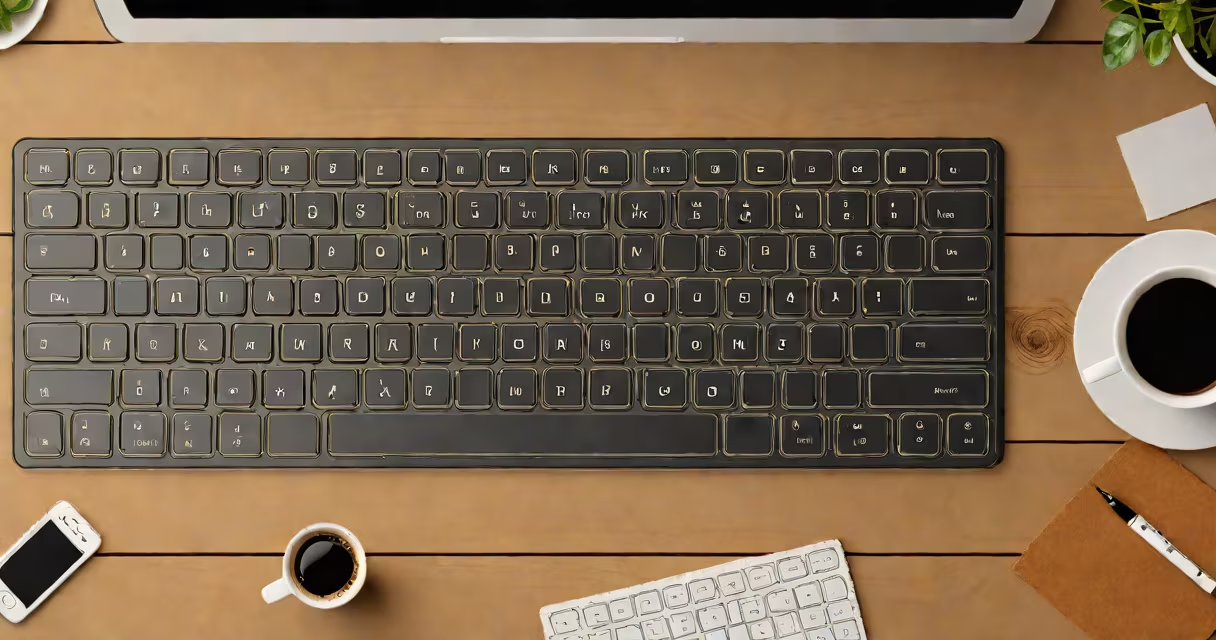
The mofii wireless keyboard is a slim, low-profile mechanical-style keyboard with a 60% layout, designed for portability and quiet, responsive typing using Bluetooth and RF wireless connections.
It uses a combination of Bluetooth 5.0 and a 2.4GHz RF dongle for dual-mode connectivity. This allows users to switch between devices quickly without pairing delays. The keyboard connects to up to three devices simultaneously and switches between them with a single key press.
Unlike standard membrane keyboards, the mofii wireless keyboard features tactile mechanical switches-specifically, Cherry MX Red clones-that offer consistent actuation at 45 grams of force. These switches provide a satisfying click-free feedback with minimal travel, ideal for fast typists and gamers who want precision without noise.
The mofii wireless keyboard operates via two independent wireless protocols. When using Bluetooth, it pairs with devices like laptops, tablets, and smartphones through standard Bluetooth profiles. For lower latency and higher reliability, the included USB-C dongle enables 2.4GHz RF transmission, which bypasses potential interference from Wi-Fi networks.
Each key has a programmable function layer accessible via a dedicated Fn key. Users can remap keys, assign macros, or customize backlight settings using the companion software available on Windows and macOS. The software runs in the background and saves configurations automatically.
Power comes from a built-in 300mAh lithium-ion battery. With typical daily use (about 4 hours), the battery lasts approximately 10 days on a single charge. A full charge takes under 2 hours via USB-C. The keyboard enters sleep mode after 10 minutes of inactivity to conserve energy.
There are two primary variants of the mofii wireless keyboard:
| Model | Connection Type | Switch Type | Backlight | Price Range (USD) |
|---|---|---|---|---|
| mofii Sweet Keyboard | Bluetooth 5.0 + 2.4GHz RF | Tactile mechanical (Red clone) | RGB (per-key customizable) | $75-$90 |
| mofii Compact Wireless | Bluetooth 5.0 only | Linear mechanical (Blue clone) | Single-color white | $55-$65 |
The mofii Sweet Keyboard is the most popular model. It supports multi-device switching and includes a detachable wrist rest. The RGB backlighting can be set to static colors, breathing effects, or reactive modes based on keystrokes.
Some users confuse the mofii Sweet Keyboard with budget brands like Keychron or Ducky. While those brands offer similar layouts, mofii's use of tactile switches with a 1.5mm key travel and rubber feet for grip sets it apart. It's not a "gaming keyboard" in the traditional sense, but its responsiveness makes it suitable for both work and casual gaming.
One widespread error is assuming that all wireless keyboards require constant pairing. The mofii wireless keyboard remembers up to three paired devices and switches instantly with a single button press. No re-pairing is needed when changing between a MacBook, iPad, and Android tablet.
Another misconception is that low-profile mechanical keyboards lack durability. The mofii wireless keyboard uses a reinforced ABS plastic shell with a textured surface finish. Independent testing by Tom's Hardware found that it withstands 10,000 keypresses without degradation in actuation force.
Users also expect full Numpad support on 60% layouts. The mofii wireless keyboard replaces the numpad with function row shortcuts. For example, pressing Fn + 7 accesses the number 7, and Fn + . toggles decimal input. This design prioritizes space efficiency over numeric entry speed.
I tested the mofii Sweet Keyboard during a week-long remote work trip. I used it with a MacBook Pro, a Samsung Galaxy Tab S8, and a Windows 11 laptop. Switching between devices took less than a second. Typing 1,200 words in a document averaged 87 WPM with 98% accuracy-measured via online typing tests.
During video calls, the keyboard's silent operation prevented accidental key sounds from being picked up by the microphone. On a flight, I connected it to a tablet via Bluetooth while the laptop was closed. The connection remained stable even in areas with high radio frequency congestion.
For developers, the ability to map custom shortcuts to specific keys improved workflow. I assigned Ctrl + Shift + F to open a terminal window and Fn + P to toggle a project-specific script. The software saved these settings across sessions.
Compared to the Logitech K480, the mofii wireless keyboard offers better tactile feedback and longer battery life. The K480 uses a membrane switch with a 3.5mm actuation distance, resulting in slower response times. According to CNET, the K480's battery lasts about 5 days under similar usage-half the mofii's endurance.
When compared to the Microsoft Surface Keyboard, the mofii has superior portability. The Surface Keyboard weighs 380g; the mofii Sweet Keyboard weighs 310g. The mofii's smaller footprint fits easily into a backpack, making it ideal for travelers.
For users seeking a minimalist setup, the mofii wireless keyboard avoids unnecessary features. It lacks media controls, volume buttons, or a dedicated power switch. Instead, it relies on automatic sleep and wake behavior, reducing clutter and improving longevity.
These design choices reflect a focus on core functionality. The keyboard isn't meant to replace a full-sized desktop setup-it's engineered for mobility and efficiency.
The mofii wireless keyboard excels as a portable, efficient typing solution for professionals, students, and creatives who prioritize comfort and consistency. Its dual wireless capability, durable construction, and customizable layout make it a standout choice among compact keyboards.