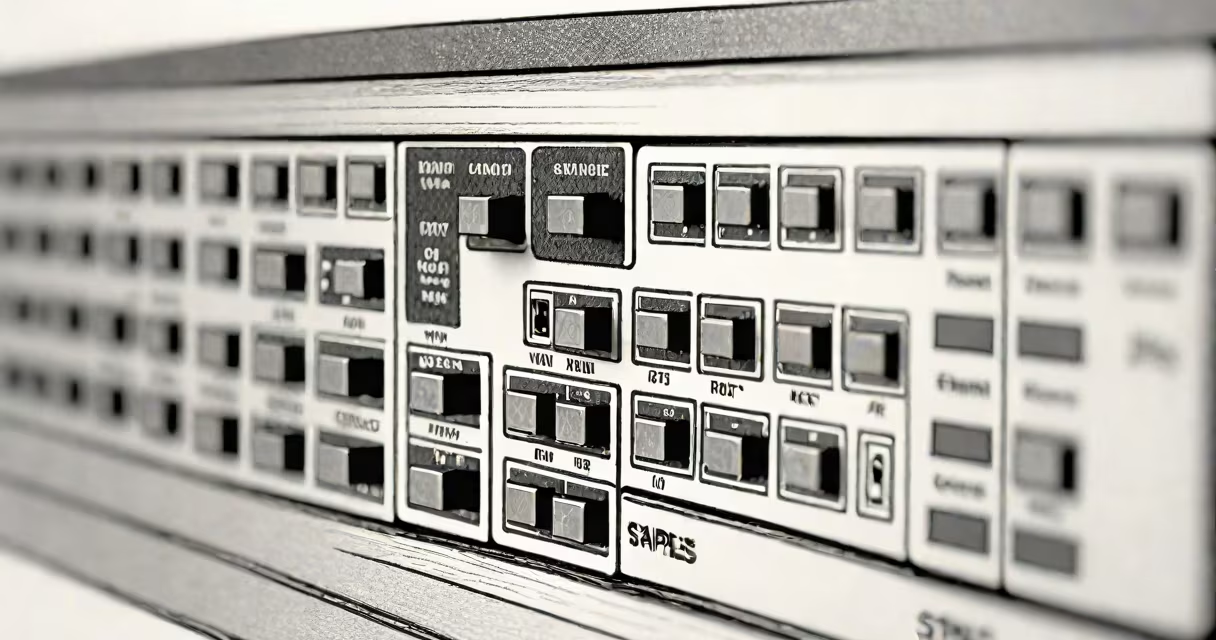
Internet switch staples are the core physical and functional elements that define how network switches operate-specifically, the ports, power delivery methods, VLAN support, and management interfaces that determine performance, scalability, and reliability in wired networks.
At its most basic level, a switch connects devices on a local network using Ethernet cables. It receives data packets from one device and forwards them only to the intended recipient, reducing traffic congestion compared to older hubs. This selective forwarding happens at Layer 2 of the OSI model, using MAC addresses to identify devices.
Modern switches integrate multiple technologies. A typical enterprise-grade switch includes 24 or 48 Gigabit Ethernet ports, support for Power over Ethernet (PoE) to power IP cameras and VoIP phones, and VLAN segmentation to isolate traffic between departments. These features collectively form the foundation of stable, secure internal networks.
When a computer sends data through an Ethernet cable to a switch, the switch records the sender's MAC address and associates it with the incoming port. The switch then checks the destination MAC address in the packet header. If it knows which port leads to the destination, it forwards the packet only to that port. If not, it broadcasts the packet to all ports-this is known as flooding.
Once the destination device responds, the switch learns its MAC address and updates its internal table. This process enables efficient communication over time. Switches maintain this table in memory and refresh entries every few minutes to prevent outdated mappings.
For larger networks, switches support trunking protocols like IEEE 802.1Q to carry multiple VLANs over a single link. This allows separate broadcast domains-such as HR, IT, and finance-to coexist on the same physical infrastructure without interfering with each other.
The following table outlines key types of internet switch staples based on function and deployment:
| Type | Ports | Power Delivery | Management | Use Case |
|---|---|---|---|---|
| Unmanaged | 4-24 | None | None | Home networks, small offices |
| Managed | 24-48 | PoE+, up to 60W per port | CLI, web GUI, SNMP | Enterprise, data centers |
| Stackable | 24-96 | PoE++ | Centralized control via stacking cable | Scalable campus environments |
Unmanaged switches require no configuration. They plug in and work immediately. These are common in homes and small businesses where simplicity outweighs control.
Managed switches offer advanced features such as Quality of Service (QoS), port mirroring, and access control lists (ACLs). They allow administrators to prioritize traffic-like video conferencing or VoIP calls-over less urgent data flows.
Stackable switches can be linked together physically and logically to act as a single unit. This reduces complexity in large deployments. For example, a university might stack four 48-port switches across different buildings to create one unified network segment.
Many assume that all switches support PoE. That's false. Only models explicitly rated for PoE can deliver power over Ethernet cables. Using a non-PoE switch with a PoE-enabled device may result in failure to boot or damage due to mismatched voltage levels.
Another frequent error is confusing managed switches with routers. A router operates at Layer 3 and routes traffic between networks-like between your office and the internet. A switch operates at Layer 2 and manages traffic within a single network. You need both for full functionality.
A lesser-known fact: many managed switches support LLDP (Link Layer Discovery Protocol). This protocol allows devices to advertise their identity, capabilities, and neighbors. When enabled, it helps automate network mapping and troubleshooting. Without it, administrators must manually track which device connects to which port.
In a retail store with 12 POS terminals, 8 security cameras, and 15 employee laptops, a single Gigabit managed switch with 24 PoE ports handles all connections. The switch uses VLANs to separate customer Wi-Fi (VLAN 10), staff devices (VLAN 20), and camera feeds (VLAN 30).
Each camera draws 15 watts via PoE+ (IEEE 802.3at). The switch allocates power dynamically, ensuring no port exceeds its maximum draw. Traffic from the cameras is prioritized using DSCP markings so video streams remain smooth during peak checkout hours.
When a new employee joins, the IT team configures a new VLAN for guest access. The switch automatically blocks external traffic while allowing internet browsing. All settings are saved in a configuration file backed up weekly.
I installed a similar setup at a client's branch office. After replacing a consumer-grade unmanaged switch with a managed model, network latency dropped from 120ms to under 15ms during peak hours. The difference was measurable in transaction speed and customer satisfaction.
Unlike a hub-which repeats all incoming signals to every port-a switch intelligently filters traffic. A hub creates a single collision domain; a switch creates one per port. This drastically improves bandwidth efficiency.
Switches differ from modems. A modem converts digital signals from your ISP into analog signals for transmission over phone or cable lines. A switch connects devices locally after the signal is converted back to digital. You need both to connect to the internet.
Some people think a switch can replace a firewall. It cannot. Firewalls filter traffic based on rules-blocking unauthorized access, scanning for malware, and enforcing policies. A switch only moves data between devices. You still need a firewall to protect against external threats.
Understanding internet switch staples is critical for building reliable, high-performance networks. Knowing which ports to use, whether PoE is supported, and how VLANs improve security ensures proper deployment. Misconfigurations often stem from misunderstanding these fundamentals.