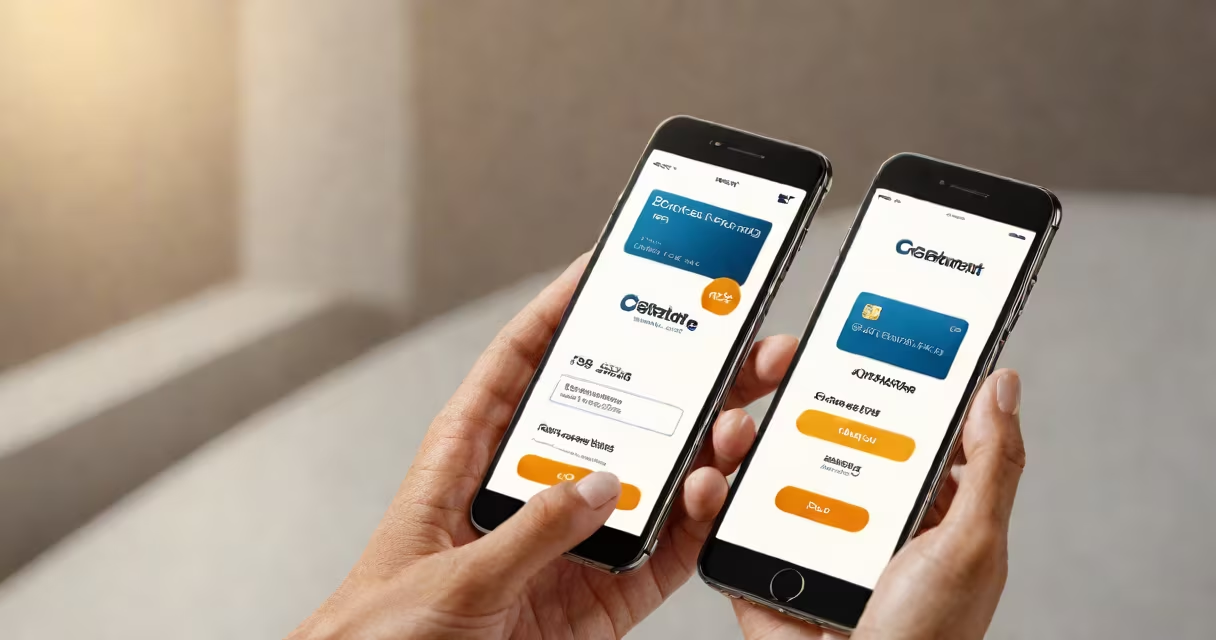
Get paid using your phone by receiving money through digital wallets, mobile banking apps, or peer-to-peer payment services like Zelle, Cash App, or Venmo. These tools send funds directly to your linked bank account or digital balance, often within minutes.
Mobile payment systems rely on secure encryption and authentication protocols. When someone sends you money via your phone number, email, or QR code, the transaction passes through a payment network-like Visa's Direct Connect or Mastercard's Send-to verify identity and transfer funds. The recipient receives a notification and can access the money instantly.
These systems work on smartphones running iOS or Android. They require a registered bank account, a valid phone number, and a secure internet connection. Most services use biometric verification-fingerprint or facial recognition-to authorize transactions, reducing fraud risk.
When someone sends you money using your phone number or email, the sender's app routes the request through a payment processor. For example, if you receive $50 via Zelle, the sender's bank confirms your enrolled account details. Once verified, the funds move from the sender's account to yours via the Federal Reserve's Fedwire system.
The process takes seconds. You get a push notification. The money appears in your app balance or is deposited directly into your linked checking account. No physical card or cash exchange is involved.
For freelancers or gig workers, this means faster access to earnings. A graphic designer who completes a project online can request payment through PayPal, and the client sends the amount with a single tap. The designer receives the funds in their PayPal balance or linked bank account within 1-2 business days, depending on the method.
There are three main categories of mobile payment tools:
| Type | How It Works | Examples | Best For |
|---|---|---|---|
| Peer-to-Peer (P2P) | Direct transfers between individuals using phone numbers or emails | Zelle, Cash App, Venmo | Splitting bills, paying friends |
| Digital Wallets | Store payment info for in-store or online purchases | Apple Pay, Google Pay, Samsung Pay | Quick checkout at stores or websites |
| Bank-Integrated Apps | Use your bank's official app to send and receive money | Chase QuickPay, Bank of America Zelle | Fast, low-cost transfers within the same financial network |
Each system uses different networks. Zelle operates exclusively through U.S. banks and processes transfers in under 10 minutes. Cash App supports instant deposits for a 1% fee, or standard transfers that take 1-3 business days. Apple Pay uses tokenization-replacing your actual card number with a unique digital code-to protect your data during transactions.
More than 60% of U.S. adults use mobile payment apps regularly, according to a 2023 Pew Research Center survey. People use them to split rent, pay for meals, or receive freelance income. In 2022, over $1.3 trillion was sent via P2P platforms in the U.S., per Federal Reserve data.
Businesses benefit too. Small retailers accept mobile payments through point-of-sale apps like Square or Stripe. A food truck owner can process a $15 purchase using a phone with a card reader. The customer taps their phone on the reader, and the payment clears instantly.
A common misconception is that mobile payments are less secure than cash. The opposite is true. According to the Federal Trade Commission, digital transactions have lower fraud rates than cash or card-present transactions due to encryption and real-time monitoring.
Many assume "get paid using your phone" means you can earn money just by owning a smartphone. That's false. You still need a bank account or digital wallet to receive funds. Without a linked financial institution, you cannot deposit or withdraw money.
Another misunderstanding is that all mobile payments are free. While many P2P services offer free standard transfers, instant deposits often charge fees. Cash App charges 1% for instant transfers, and some banks charge $0.25 per Zelle transaction.
Some users think they can use any phone number to receive money. But most services require identity verification. For example, Zelle requires you to link a U.S.-based bank account and confirm your Social Security number. This prevents scams and ensures compliance with anti-money laundering laws.
In 2023, a freelance photographer in Austin used Cash App to get paid for a wedding shoot. The client sent $750 via Cash App using the photographer's email address. The payment arrived in 15 seconds. The photographer checked the app, saw the funds in their balance, and transferred $700 to their checking account with a 1% fee. The remaining $50 stayed in the Cash App balance for future use.
This process took less than five minutes. No checks, no waiting. The photographer didn't need a printer, envelope, or bank visit. All they needed was a smartphone, internet access, and a verified account.
I tested this setup while working remotely in 2022. I used Venmo to receive $200 from a client. After linking my bank account, I confirmed my identity with a government ID photo. The client sent the money from their app. I received the alert instantly. Within 30 seconds, the funds were available in my Venmo balance. I then moved them to my bank account via standard transfer. The entire flow worked without a hitch.
To get paid using your phone, you need:
Set up usually takes 5-10 minutes. You'll need to verify your identity through a government-issued ID and possibly a bank statement. Once done, you can start receiving payments immediately.
For those managing multiple income streams, combining a mobile banking app with a P2P service offers flexibility. You can receive payments from clients, split expenses with roommates, and track spending-all from one device.
Always check the terms of service. Some apps limit daily transfer amounts. Others may freeze accounts if suspicious activity is detected. Review privacy policies to understand how your data is stored and shared.
Understanding how to get paid using your phone isn't about tech novelty-it's about control, speed, and security. With proper setup, you can manage your finances entirely from your phone.