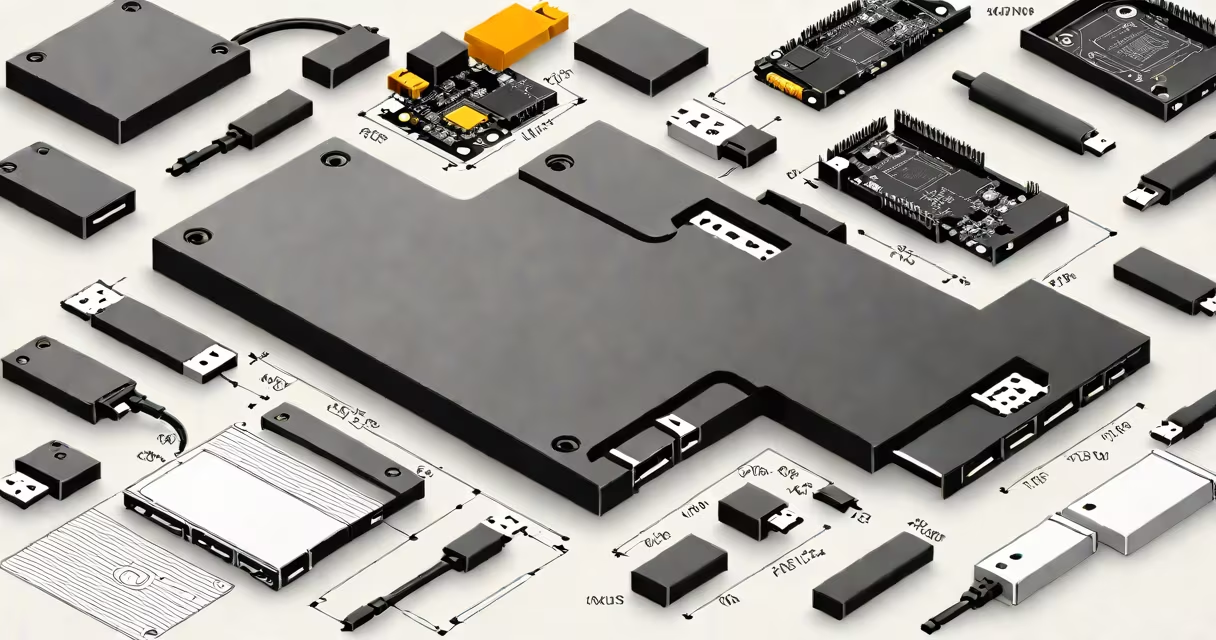
An external USB disk drive is a portable storage device that connects to computers and other devices via a USB port to store, retrieve, and transfer digital files. It functions as an expandable hard drive or solid-state drive accessible through standard USB interfaces.
These drives contain internal storage media-either spinning magnetic platters (HDD) or flash memory chips (SSD)-encased in a durable shell with a USB interface. They draw power directly from the host device's USB port, eliminating the need for a separate power adapter in most cases. Plug-and-play functionality allows immediate access upon connection, with no driver installation required on modern operating systems.
External USB disk drives support data transfer speeds ranging from 50 MB/s (USB 2.0) to over 1,000 MB/s (USB 3.2 Gen 2x2 with SSDs). They serve as primary storage extensions, backup tools, or transportable archives for photos, videos, software, and system images. Common capacities span from 128 GB to 8 TB, with higher-end models offering RAID configurations for redundancy.
The drive communicates with the host computer using the USB mass storage class protocol. When connected, the operating system detects the device as a removable drive, assigns a drive letter (Windows), or mounts it under /Volumes (macOS). File operations such as copying, moving, or deleting occur through the OS's native file manager.
Data integrity relies on error-correcting codes within the drive's controller firmware. Modern drives also feature wear leveling (for SSDs) and bad sector remapping (for HDDs) to maintain performance and prevent data loss. Encryption options-both hardware-based (e.g., AES-256) and software-based (e.g., BitLocker, FileVault)-protect sensitive information from unauthorized access.
For example, a 2TB external USB 3.2 Gen 2 drive can transfer a 10GB video file in approximately 12 seconds. This speed exceeds typical network transfer rates and makes it ideal for editing large media files on location.
External USB disk drives fall into two main categories based on internal storage technology: traditional hard disk drives (HDDs) and solid-state drives (SSDs).
| Type | Storage Medium | Typical Speed | Price per GB | Use Case |
|---|---|---|---|---|
| HDD | Spinning magnetic disks | 80-180 MB/s | $0.03-$0.05 | Backup, bulk storage, long-term archiving |
| SSD | Flash memory chips | 400-1,200 MB/s | $0.10-$0.20 | High-performance tasks, video editing, bootable backups |
Some drives combine both technologies in hybrid form, though these are rare and typically less efficient than dedicated SSDs. Drive form factors include desktop-style enclosures (larger, often dual-drive), portable enclosures (small enough to fit in a pocket), and ruggedized models designed for shock resistance and water protection.
Connectivity standards matter. USB 3.0 (5 Gbps) and USB 3.2 Gen 2 (10 Gbps) offer significant speed improvements over USB 2.0 (480 Mbps). A drive labeled "USB 3.2 Gen 2" supports up to 1,000 MB/s, but actual throughput depends on the host device's USB port capabilities and the drive's internal design.
Many users assume all external USB disk drives are interchangeable. In reality, compatibility varies by interface version, power delivery, and file system formatting. A drive formatted with NTFS may not be readable on macOS without third-party drivers. Conversely, drives formatted with exFAT work across Windows, macOS, and Linux without additional software.
A common mistake is treating an external USB disk drive as a permanent primary storage solution. While convenient, frequent read/write cycles degrade flash memory in SSDs and mechanical components in HDDs. For long-term data retention, experts recommend rotating drives and storing them offline-especially for critical backups.
Another misconception is that larger capacity equals better performance. A 4TB HDD may have slower random access times than a 1TB SSD due to physical seek time and rotational latency. Performance is determined by interface speed, internal architecture, and workload type-not just size.
I once used a 1TB external USB disk drive to transfer 150GB of raw camera footage from a film shoot to a laptop during a festival. The drive connected via USB 3.1, completed the copy in under 15 minutes, and remained stable even after being carried in a backpack through rain. The drive survived multiple trips and served as a reliable off-site backup.
Use an external USB disk drive for backing up workstations, transferring large files between machines, creating bootable recovery media, or expanding storage on older devices lacking internal space. They're essential for photographers, videographers, IT professionals, and anyone handling large datasets.
Avoid leaving drives connected continuously. Unplugging them safely prevents corruption. Never remove the drive while data is being written-this risks file system damage. Always eject the device properly via the OS's safe removal function.
Do not rely solely on a single external USB disk drive for mission-critical data. Follow the 3-2-1 backup rule: keep three copies of your data, on two different media types, with one stored offsite. An external drive is one component of a layered strategy.
External USB disk drives remain essential tools for personal and professional data management. Their combination of portability, affordability, and broad compatibility ensures continued relevance in a world of increasing digital content.